
I already have a website
Create a Full shop or Online menu widget and paste the code into your site. Ten minutes, no new store needed. See Widgets.
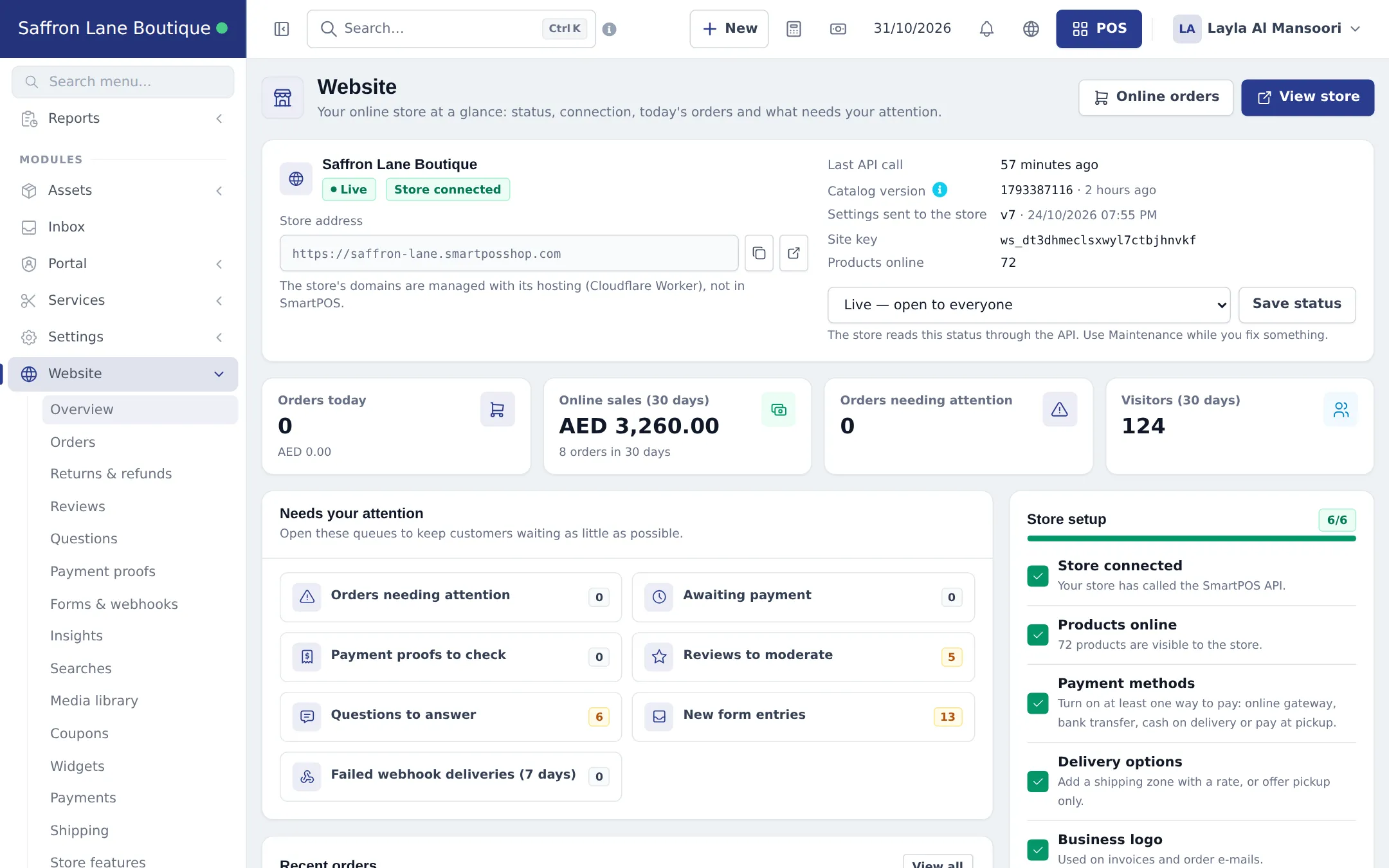
SmartPOS Hub lets you sell online from the same products, prices and stock you use at the counter. This overview explains the five online channels - your own online store, copy-paste widgets, direct order links and table QR codes, the SmartPOS Shopper app, and in-app chat - and helps you choose where to start.
| Channel | What the customer sees | Where you set it up | Best for |
|---|---|---|---|
| Online store | Your own custom website with checkout and customer accounts | Built for you; run it from Website | Brands that want a full shop on their own domain |
| Widgets | A shop, menu, product grid, buy button, search bar, cart, category tiles or booking box inside any website | Website › Widgets | Anyone with an existing website (WordPress, Wix, Shopify, plain HTML) |
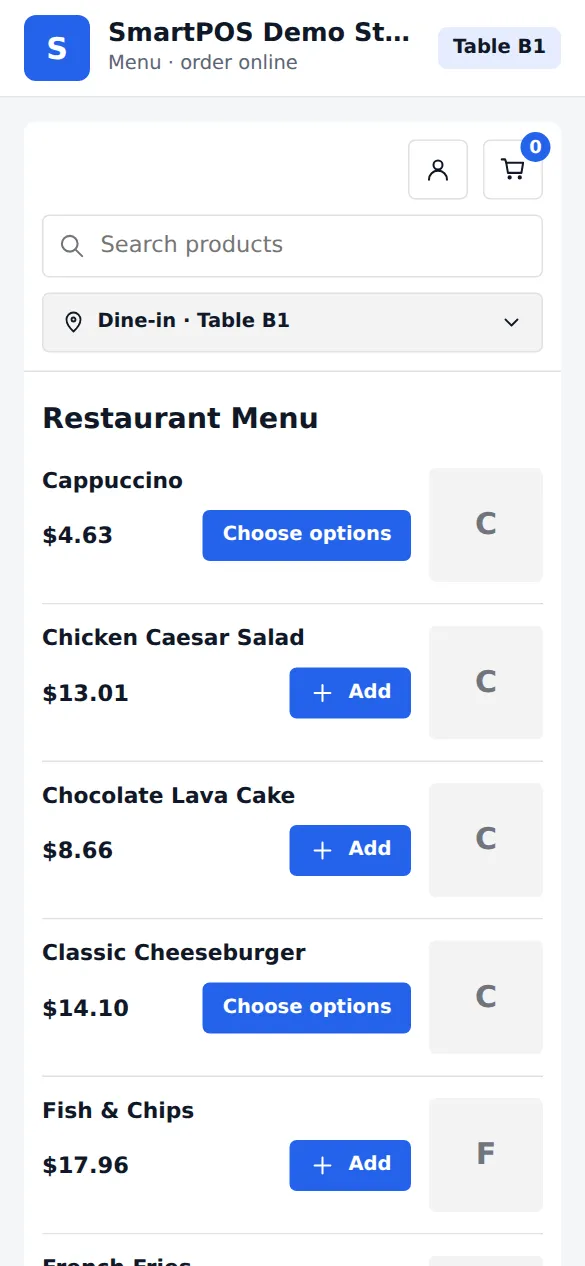
| Order links & QR codes | A simple ordering page that opens from a link or QR code | The Direct link card of a widget | WhatsApp and social media orders, flyers, table ordering in restaurants |
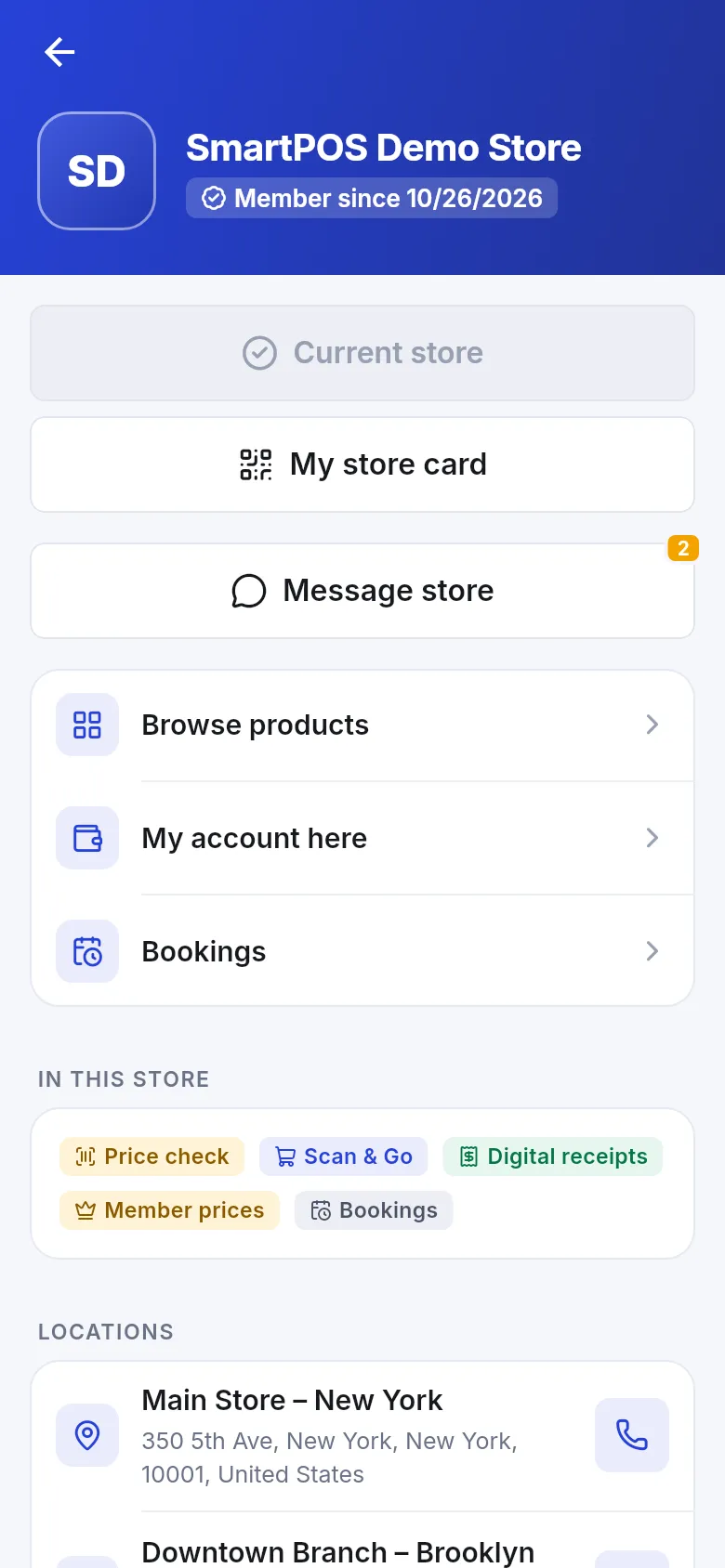
| SmartPOS Shopper app | Your store inside the customer app: browse, order, Scan & Go, store card, receipts, bookings | Settings › Shopper app & Scan & Go | Repeat customers, marts, restaurants, members |
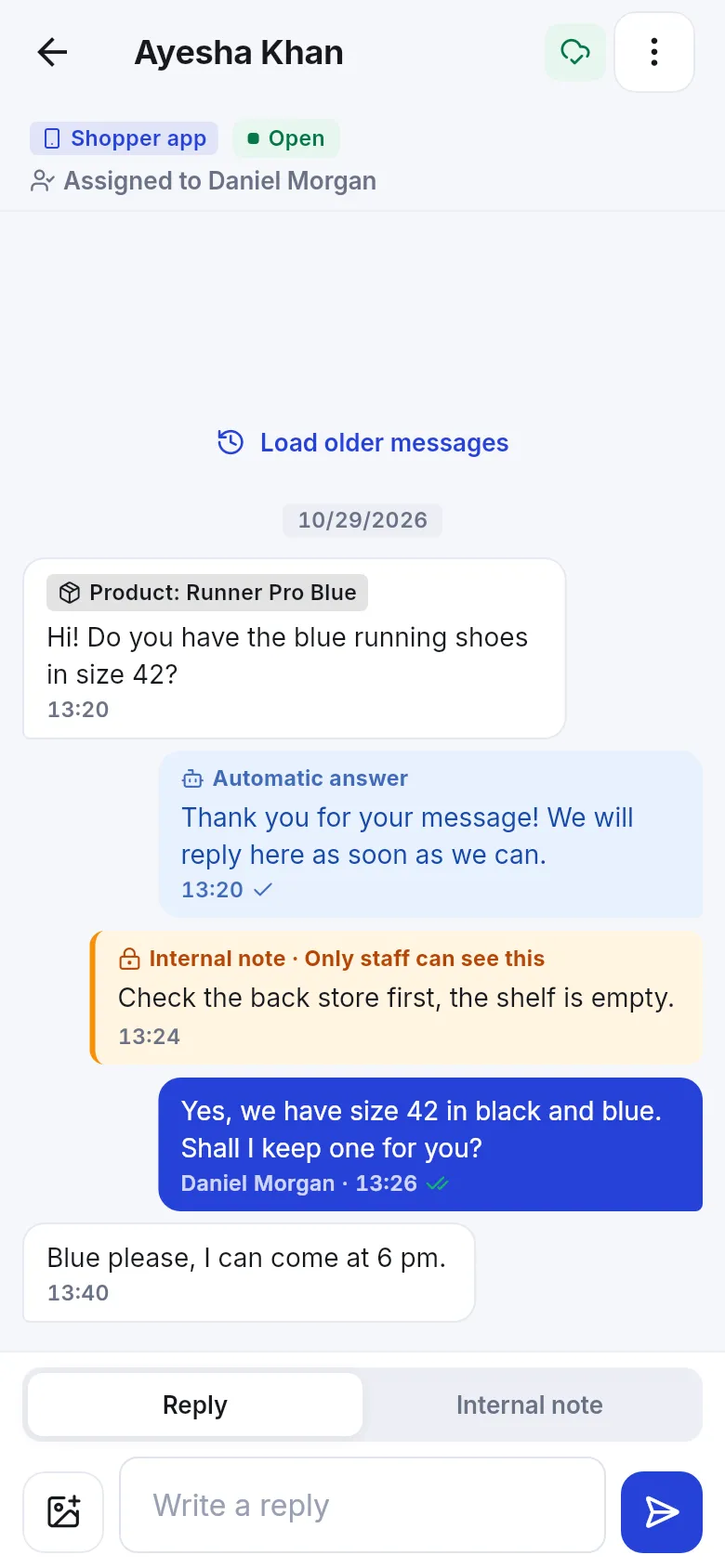
| App chat | A “Message store” button in the Shopper app | Settings › App chat | Answering questions before and after a sale |
Whichever channel a customer uses, the order lands in the same places:
I already have a website
I sell on WhatsApp and Instagram
I run a restaurant or café
I want a full branded shop
I want loyal repeat customers
I want customers to message me
No. There is no page or theme editor inside SmartPOS Hub. Your online store is a custom website built for you (or by AI) that reads your products, prices and stock from SmartPOS Hub. Inside SmartPOS Hub you run the store's operations - orders, reviews, payments, delivery and settings.
Widgets. Create a widget under Website › Widgets, copy the code and paste it into any website you already have, or send its direct link to customers by WhatsApp. No separate store is needed.
Every online order - from your store, a widget, an order link, a table QR code or the Shopper app - appears in Website › Orders and is also a normal sale in Sell › Sales. Restaurant orders also go to the kitchen display.
No. SmartPOS Hub does not have a website live-chat bubble. Customers can chat with you from the SmartPOS Shopper app, and you answer in the Inbox or the SmartPOS Business app. See the chat page for alternatives on your website.
Yes. Prices, taxes, discounts and stock come from the same products and locations as your till. Nothing is copied to the website, so a sale in the shop and an order online always use the same numbers.
The Website & online store module for the store, widgets and order links; the Shopper app & Scan & Go module for the customer app. Payments uses Settings › Payments. Your plan decides which modules you can switch on.
Yes. Add a payment gateway (for example Stripe, PayPal or a local provider) or an offline method such as bank transfer in Settings › Payments, then choose where it is used. Cash on delivery and pay at pickup are also available.
Yes. Each location can be offered as a store. Customers choose the store (or you fix one), and the order uses that location's stock and prices.
Yes. Print table QR codes from an Online menu widget. A guest scans the code, the table is already chosen, and the order goes to the kitchen display with the table number.
No. Widgets and links are copy and paste. A full custom store is set up for you; you then run it from the Website menu like the rest of SmartPOS Hub.