
Appliance store step 7: seasonal sales and stock reports
Appliance sales follow the weather: ACs and water dispensers in summer, heaters and geysers in winter, fridges all year with peaks before holidays. These reports tell you what to stock before each season and where your money sits.
Before you start
Section titled “Before you start”Make sure your products have the right categories and brands (the import does this for you), and that installation and delivery services have their own category.
What sold, by season
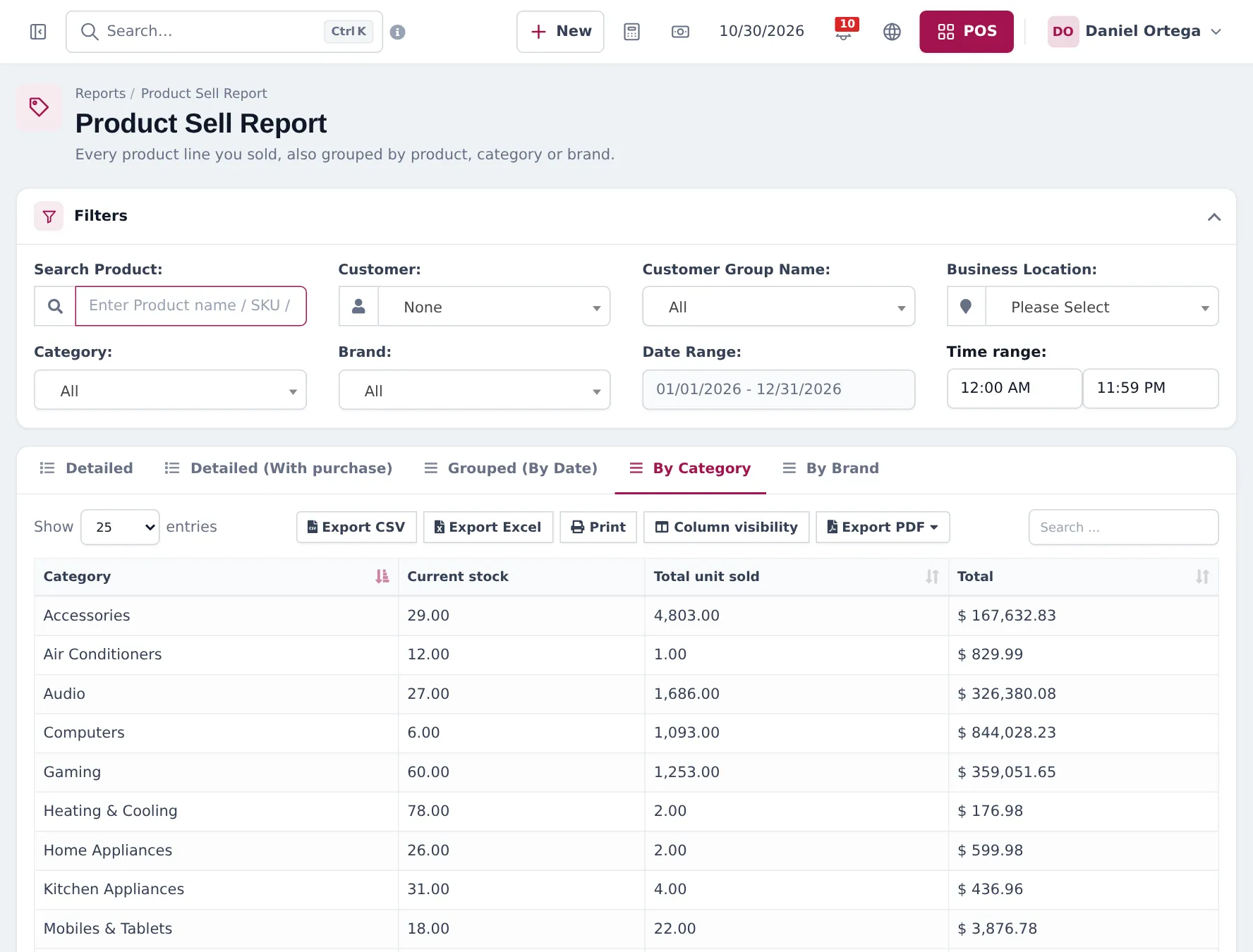
Section titled “What sold, by season”Open Reports › Product Sell Report, set the Date Range to the season, choose the location, and open the By Category or By Brand tab. You see the quantity sold and total per category or brand. Detailed lists every line; Grouped (By Date) shows the trend.
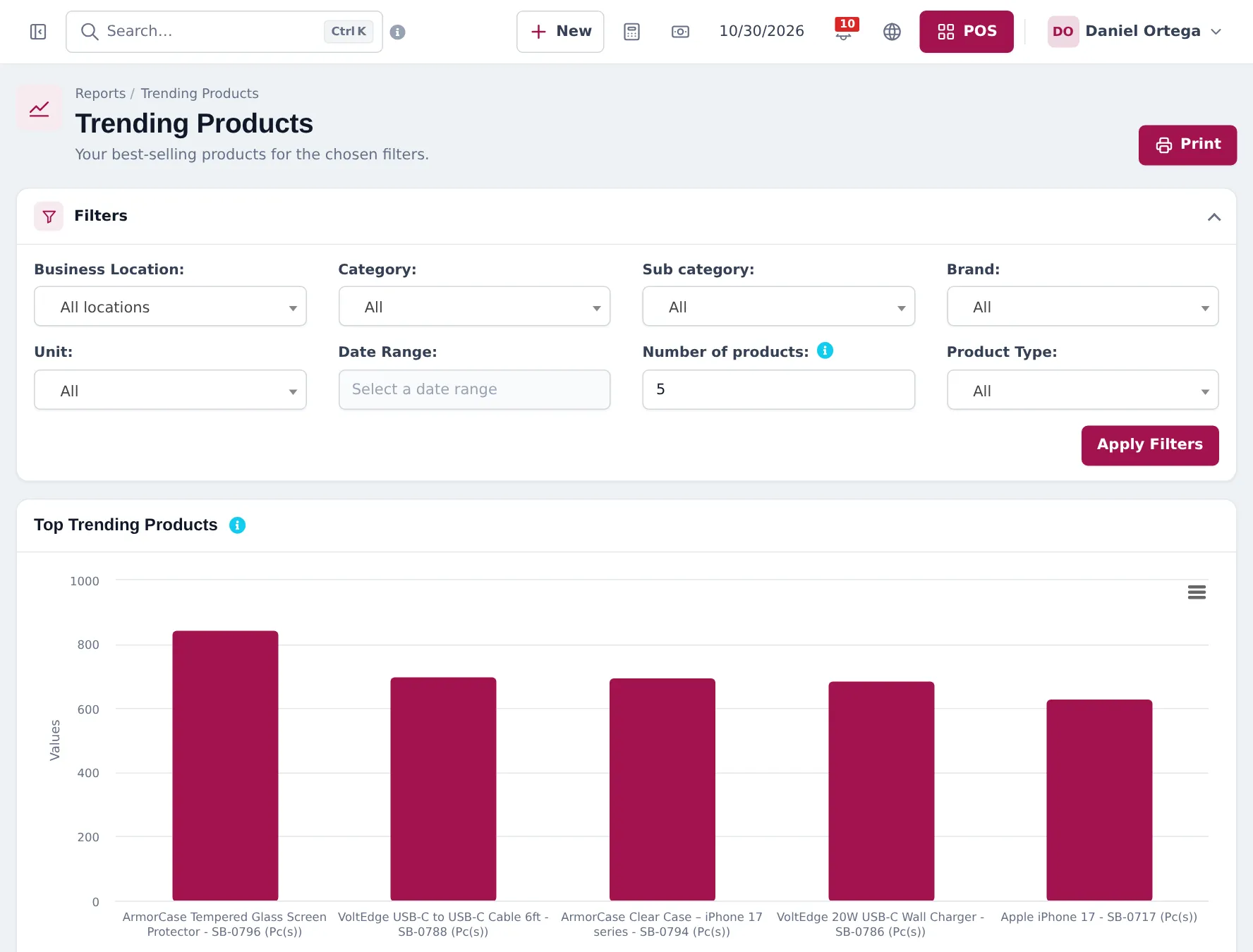
Reports › Trending Products shows your best sellers for a period as a chart, filterable by location, category, sub category and brand.
Stock per showroom and warehouse
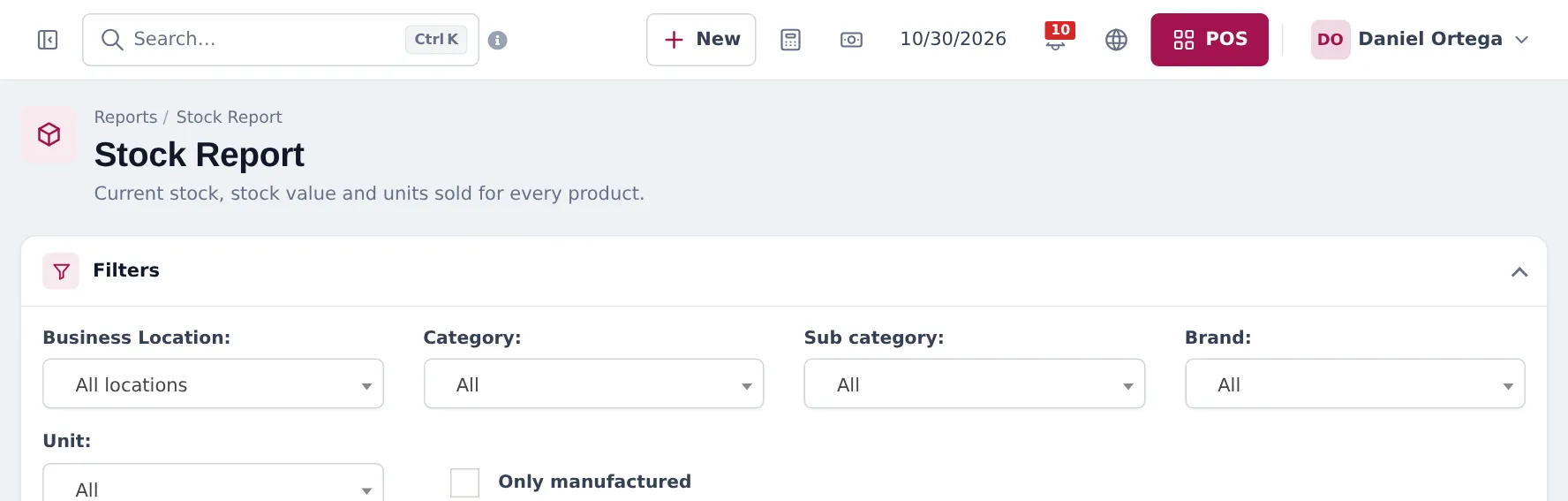
Section titled “Stock per showroom and warehouse”Reports › Stock Report shows current stock and stock value per product, location, category and brand, with Closing stock (By purchase price), Closing stock (By sale price), Potential profit and Profit Margin %.
Money owed on instalments
Section titled “Money owed on instalments”| Report | Shows |
|---|---|
| Payment by Age | Unpaid invoices grouped by days overdue |
| Supplier & Customer Report | Sales, payments and due per customer |
| Sell Payment Report | Every payment received, by date and method |
| Profit / Loss Report | Profit for the period, by location |
Frequently asked questions
How do I compare this summer with last summer?
Run the Product Sell Report, By Category tab, for this year's summer months, then again for last year's. Export both to Excel to compare side by side.
Which report tells me how much stock I hold in money?
Reports › Stock Report shows closing stock by purchase price and by sale price, potential profit and margin, filterable by location, category and brand.
Where do I see installation income?
If installation products have their own category, the Product Sell Report By Category shows it as its own row.
Which report shows instalment money collected this month?
Reports › Sell Payment Report lists payments received by date and method. Payment by Age shows what is still unpaid and how late it is.