
Sell offline when the internet drops
With Offline POS your counters keep selling when the internet stops. Sales are saved securely on the device and sync to SmartPOS Hub when the connection is back. It works in the web browser on a counter computer or tablet, and in the SmartPOS Business app.
Set up a device (once, while online)
Section titled “Set up a device (once, while online)”- On the counter device, open Offline POS in the sidebar and press Open Offline POS.
- Name the device (for example Counter 1), choose the location and set a 4–6 digit offline PIN.
- Wait for the download: products, prices, stock, customers, taxes, discounts and your receipt layout are stored on the device.
In the app: Offline selling › Set up this phone.
Selling without internet
Section titled “Selling without internet”- When the internet drops, POS V1 and V2 show “You’re offline — continue selling in Offline POS”. Opening the POS without internet loads Offline POS.
- Unlock with your PIN.
- Sell as usual: products and barcode scanning, cart, discounts, customers (you can even add a new customer), cash with notes and change, card, bank transfer, cheque, split payments, park sales and print receipts.
- Each sale gets an offline reference such as
OFF-WRH9-0001.
When the internet is back
Section titled “When the internet is back”Sales sync by themselves (every 30 seconds, on reconnect, after each sale) or press Sync now. Each one becomes a normal sale with a real invoice number. In Sell › All sales, offline sales carry an Offline badge; the Offline sales button lists them.
Manage devices and sync issues
Section titled “Manage devices and sync issues”Offline POS in the sidebar (managers) has Dashboard, Offline devices, Sync issues, Offline sales and Settings.
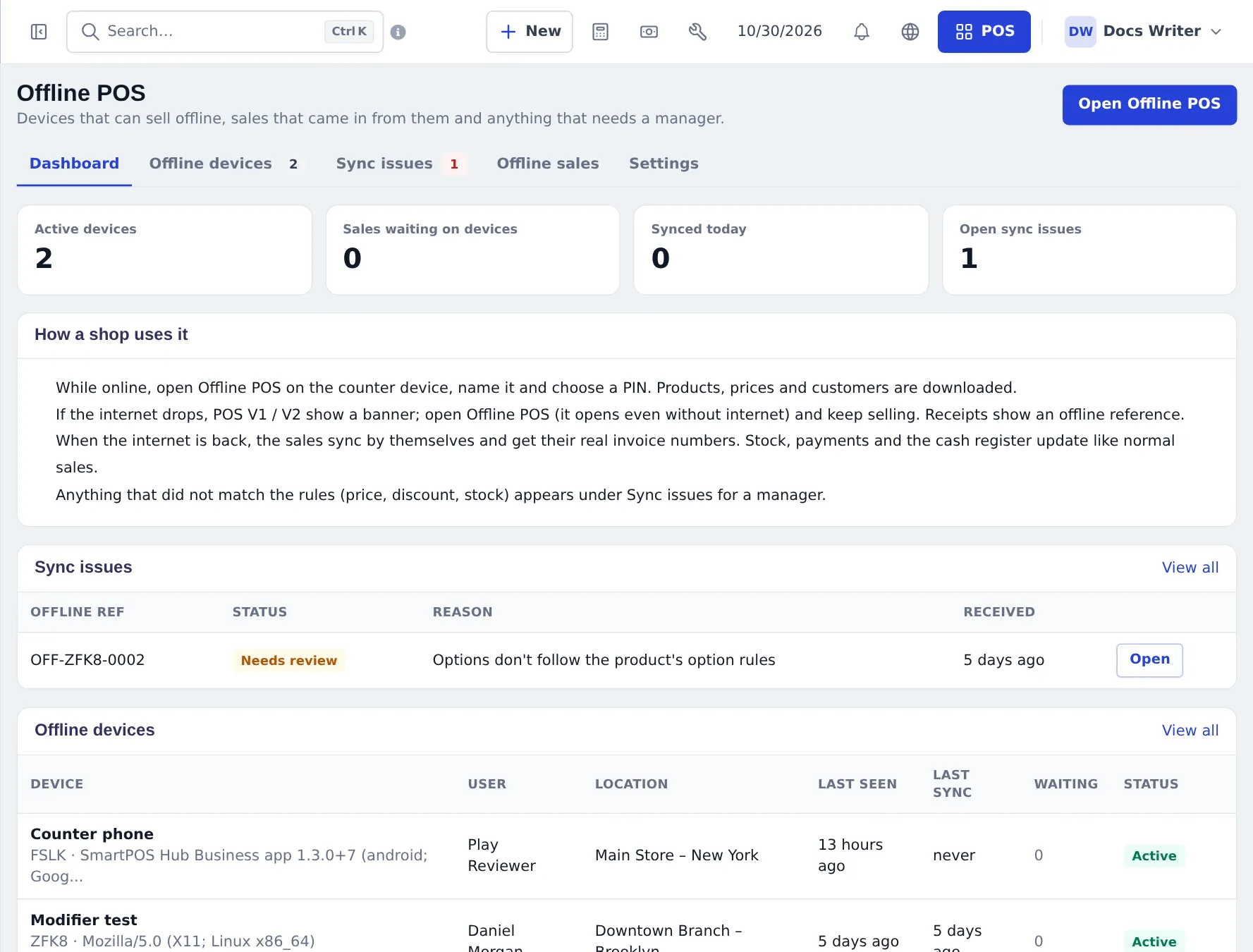
- Offline devices — rename, revoke, last sync and how many sales are waiting.
- Sync issues — sales that need a look (price or option mismatch, stock conflict, device switched off). Open the sale, then mark resolved or Create anyway.
- Settings — hours allowed without refresh (72), max unsynced sales (500), payment methods allowed offline, pay later offline (off), selling beyond cached stock (allow with warning or block), idle lock (10 min), refresh interval (15 min).
In the SmartPOS Business app
Section titled “In the SmartPOS Business app”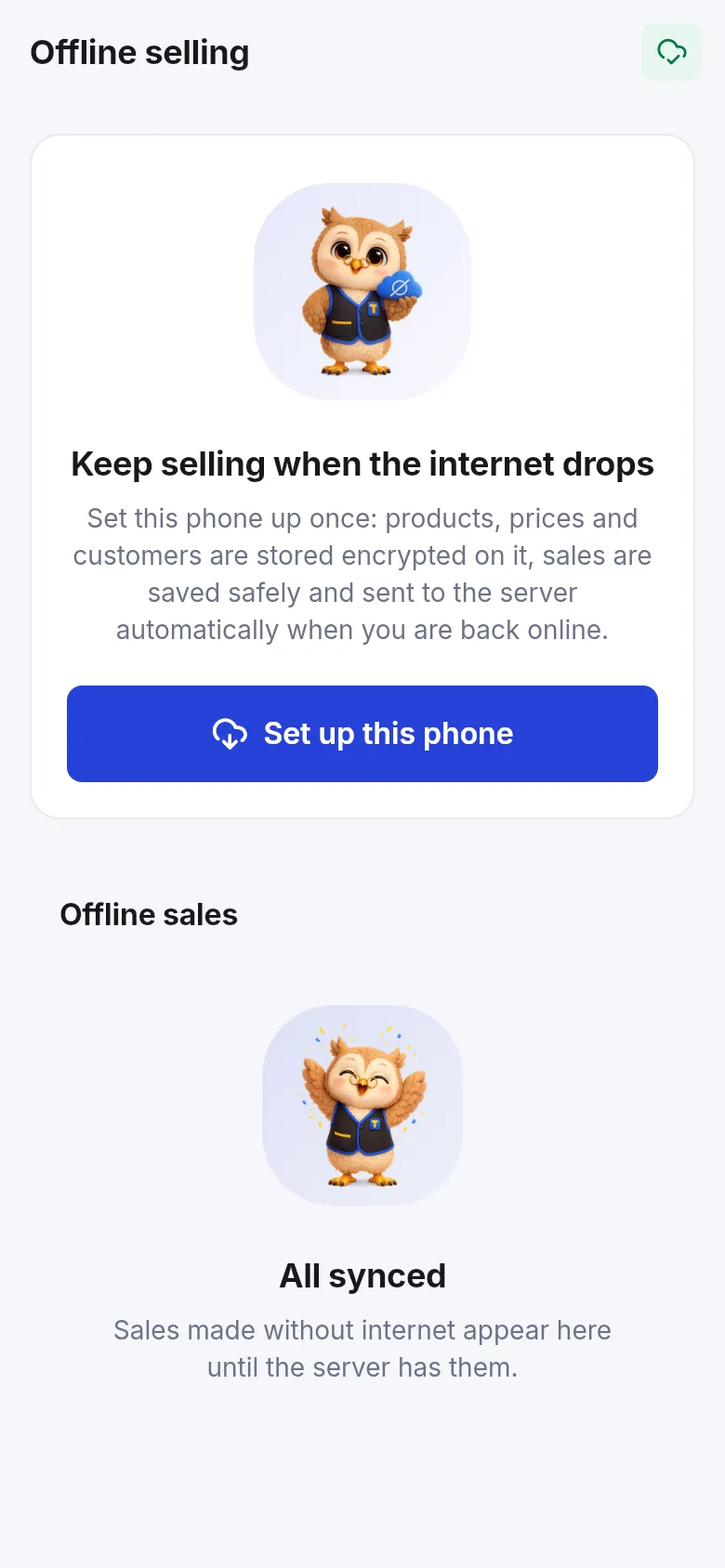
More: Offline sales in the app and the Offline POS module.
Frequently asked questions
Do I have to set anything up before the internet goes down?
Yes. Each device must be set up once while online - name it, choose the location and an offline PIN - so products, prices and customers are downloaded. After that it can sell without internet.
What happens to offline sales?
They are saved on the device and sync by themselves when the connection is back. Each becomes a normal sale with a real invoice number, and stock, payments and the cash register update.
Can I sell on credit offline?
Only if Pay later offline is switched on in Offline POS › Settings. It is off by default; when on, it works for a chosen customer only, checks their cached credit limit and flags the sale at sync.
What cannot be done offline?
Sales returns, editing or deleting earlier sales, gift cards, online payment gateways, open restaurant tabs, subscriptions and the repair, hotel and gym flows. They need internet.
Why is a synced sale under Sync issues?
Something did not match the rules - for example a price, stock or option check - or the device was switched off. A manager opens it, checks and resolves it.
How long can a device stay offline?
By default 72 hours without a data refresh and 500 unsynced sales per device. You can change both in Offline POS › Settings.