
Clothing boutique setup guide for SmartPOS Hub
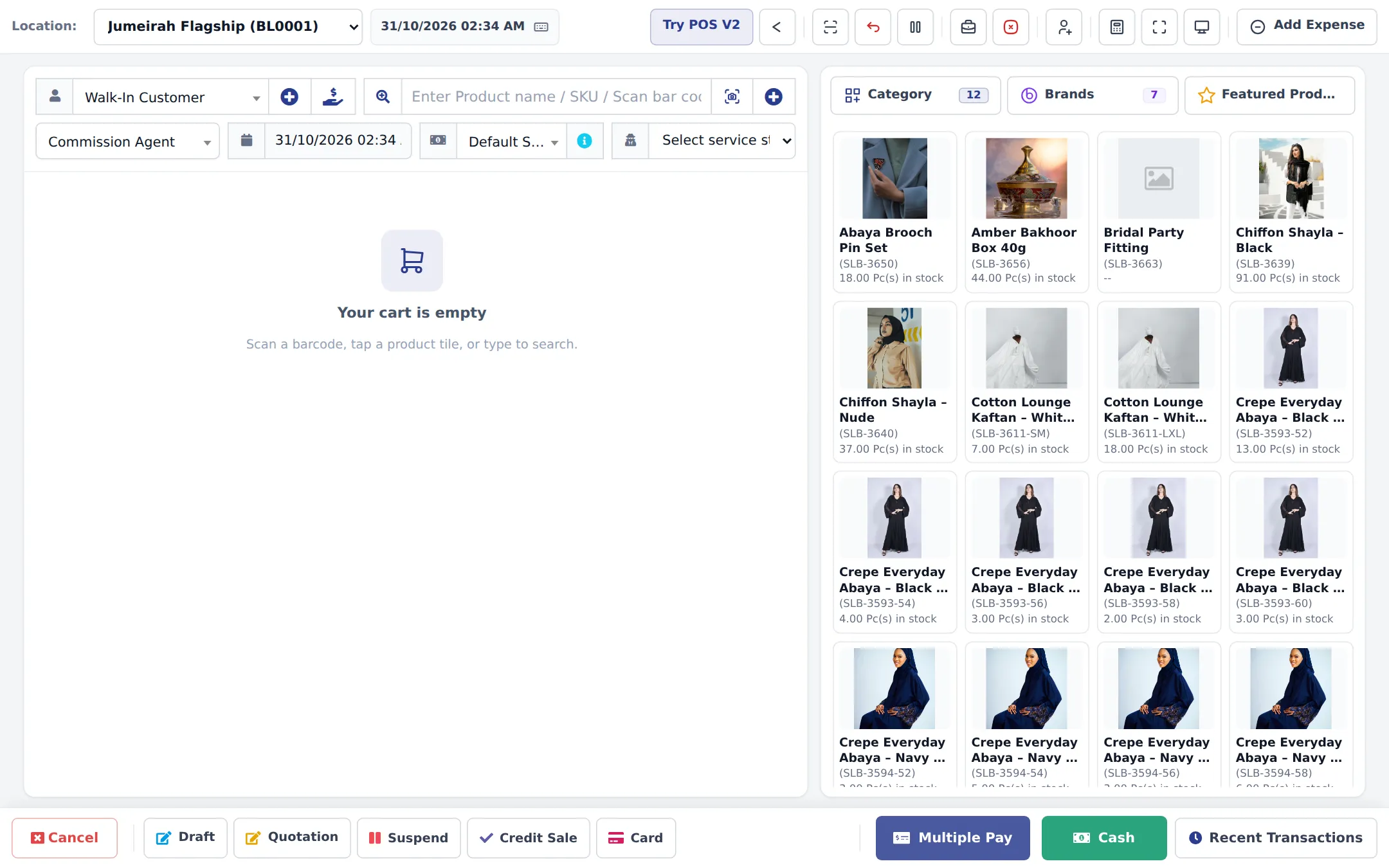
This guide sets up a clothing boutique on SmartPOS Hub: dresses, abayas, tops, shoes and accessories in sizes and colors, with a photo for every color. You build your categories, add variable products, attach size charts, print labels, handle exchanges and store credit, run seasonal discounts and open an online store.
Who this guide is for
Section titled “Who this guide is for”- Fashion and modest-wear boutiques with one or a few stores.
- Shoe, kidswear and uniform shops that sell by size.
- Boutiques that also sell online or on social media and want one stock count.
What you will set up
Section titled “What you will set up”- Store, modules and categories: locations, the modules you need, and ready-made fashion categories, brands and size lists.
- Sizes, colors and variant photos.
- Size charts so shoppers pick the right size.
- Barcodes and labels for every size.
- Sell, exchange and give store credit.
- Seasonal discounts: end of season, Eid, Black Friday.
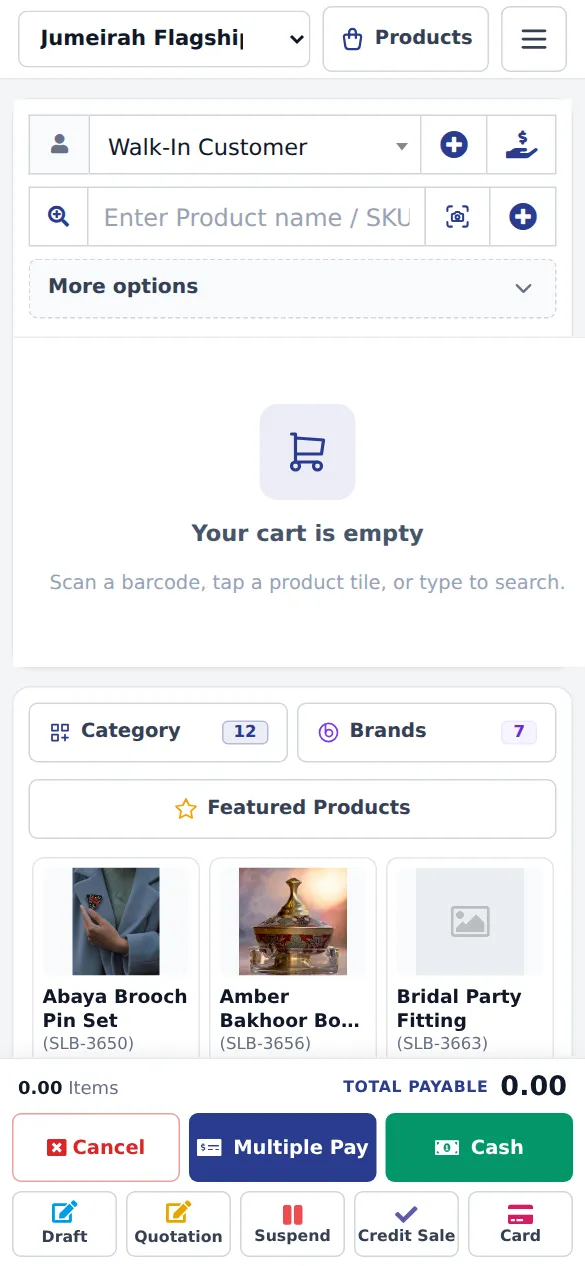
- Online store, widgets and Shopper app.
- Daily operations and the go-live checklist.
The modules a boutique uses
Section titled “The modules a boutique uses”| Need | Feature | Where to switch it on |
|---|---|---|
| Sizes and colors | Variable products | Always on |
| Size guides | Size charts | Always on, page Products › Size charts |
| Exchanges and store credit | Return outcomes | Sell › Return settings |
| Gift cards | Gift cards | Settings › Business Settings › Modules (if your plan includes it) |
| Online store, widgets | Website & online store | Settings › Business Settings › Modules |
| Customer app | Shopper app & Scan & Go | Settings › Business Settings › Modules |
| Fittings, styling sessions | Services | Settings › Business Settings › Modules › Industry modules |
A module that is not in your plan shows as a greyed card Not in your plan with See plans.
Frequently asked questions
Can one dress have several sizes and colors?
Yes. Make it a variable product. Each size (and color) is a variant with its own barcode, price, stock and photo. You can also keep each colorway as its own product with only sizes as variants.
Can each color show its own photo?
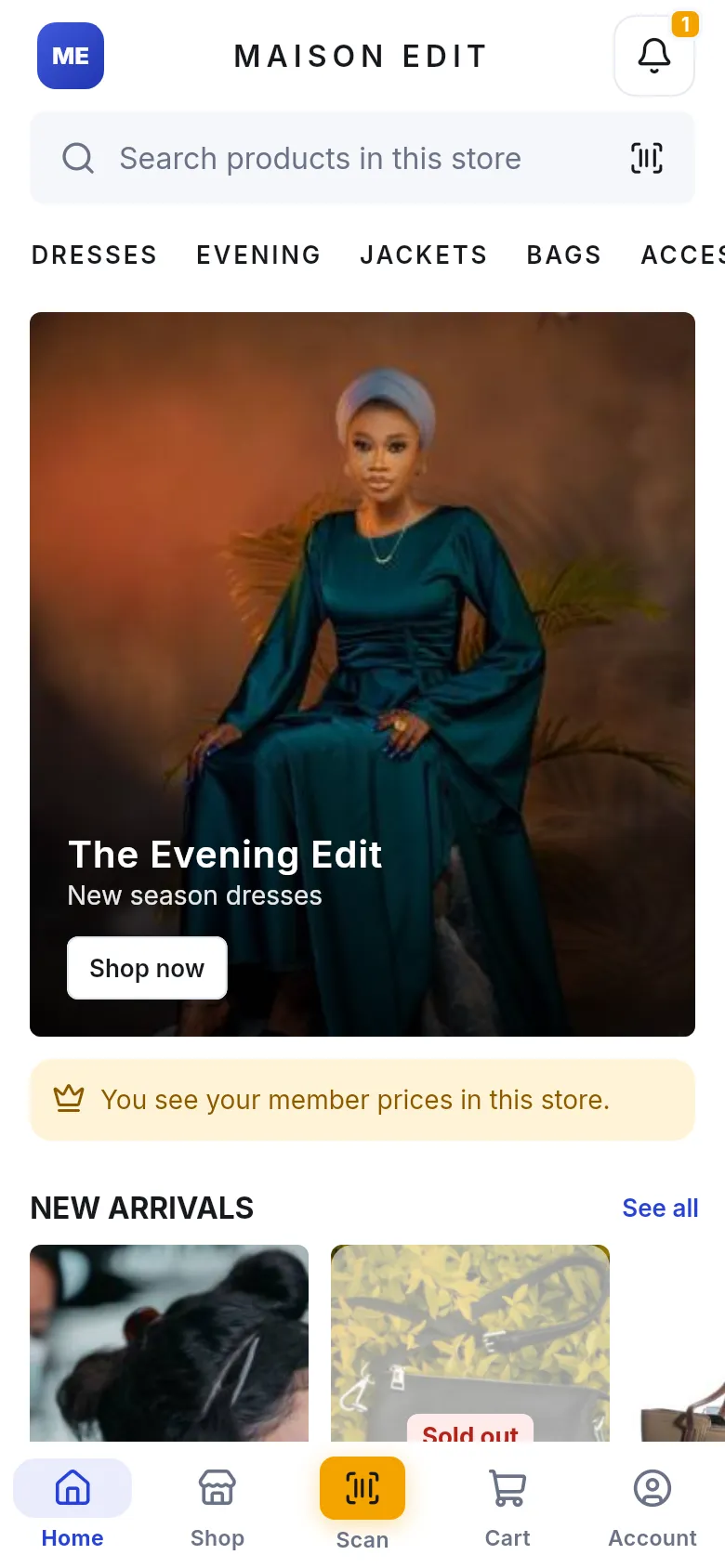
Yes. Every variant has Variation Images. The right photo shows in the POS, on your website and in the SmartPOS Shopper app.
Do I have to build size charts myself?
No. Products › Size charts › Import prebuilt has ready-made charts for women, men, kids, shoes, lingerie, accessories, South Asian and Middle Eastern wear. You attach them to categories or brands.
Can I print price tags with the size on them?
Yes. Products › Print Labels prints one label per variant with the product name, the size or color, the price and the barcode.
How do exchanges work?
Turn on return outcomes in Sell › Return settings and allow Exchange. The returned value becomes store credit and pays for the new item at the POS.
Can a customer get store credit instead of cash back?
Yes. Choose Store credit as the outcome when you take the return. The value goes on the customer's balance and pays for a later sale. A named customer is needed.
How do I run an end-of-season sale?
Add a discount in Sell › Discounts for a category or brand, with start and end dates. It applies automatically in the POS and, if you choose, on your website with the old price crossed out.
Can I sell online too?
Yes. The Website module gives you an online store, shop widgets for any website and the SmartPOS Shopper app, all using the same products and stock as the shop.
Can I run two stores?
Yes. Each store is a location with its own stock and receipts. Move sizes between stores with stock transfers.
Can I book fittings and styling appointments?
Yes, with the Services module. Add services such as a bridal fitting with duration, price and stylist, and customers can book them online.