
Electronics store step 4: wholesale prices and discounts
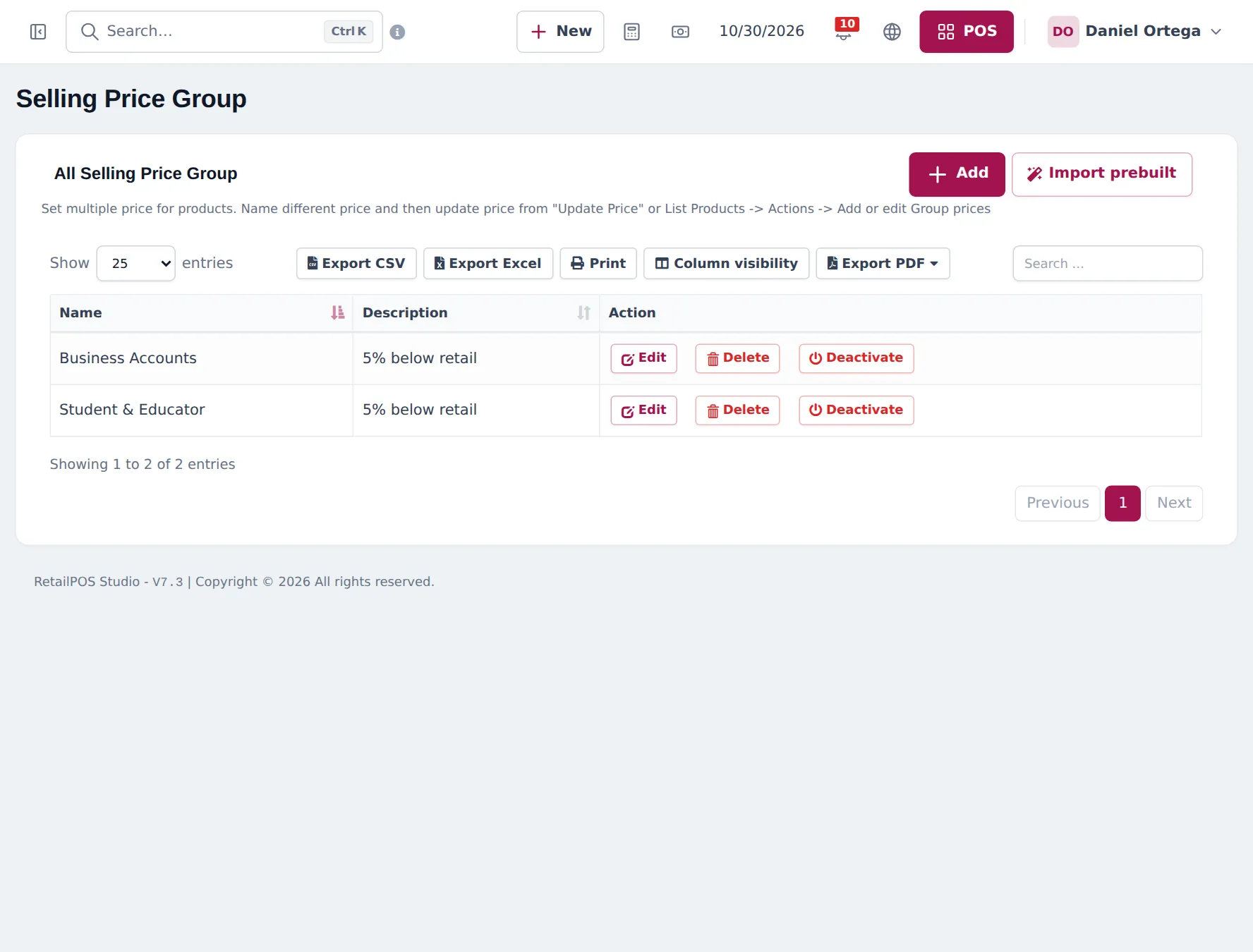
Electronics stores often sell at more than one price: retail for walk-ins, wholesale for resellers, special prices for business accounts. Selling price groups handle that. Discounts handle time-limited offers.
Before you start
Section titled “Before you start”Products have their normal (retail) selling price (step 2).
Create price groups
Section titled “Create price groups”- Open Products › Selling Price Group and click Add (or Import prebuilt).
- Enter a Name (for example “Wholesale”) and a description. Save.
- Enter group prices: on a product, Save & Add Selling-Price-Group Prices; in Products › List Products, Actions › Add or edit Group Prices; or in bulk with Products › Update Price.
Apply group prices
Section titled “Apply group prices”| How | Where | Good for |
|---|---|---|
| Choose at the till | POS price group dropdown (next to the date) | One-off trade customers |
| By location | Settings › Business Locations › edit › Default Selling Price Group | A wholesale counter or trade branch |
| By customer group | Contacts › Customer Groups › price calculation Selling Price Group | Regular resellers and business accounts |
Discounts and offers
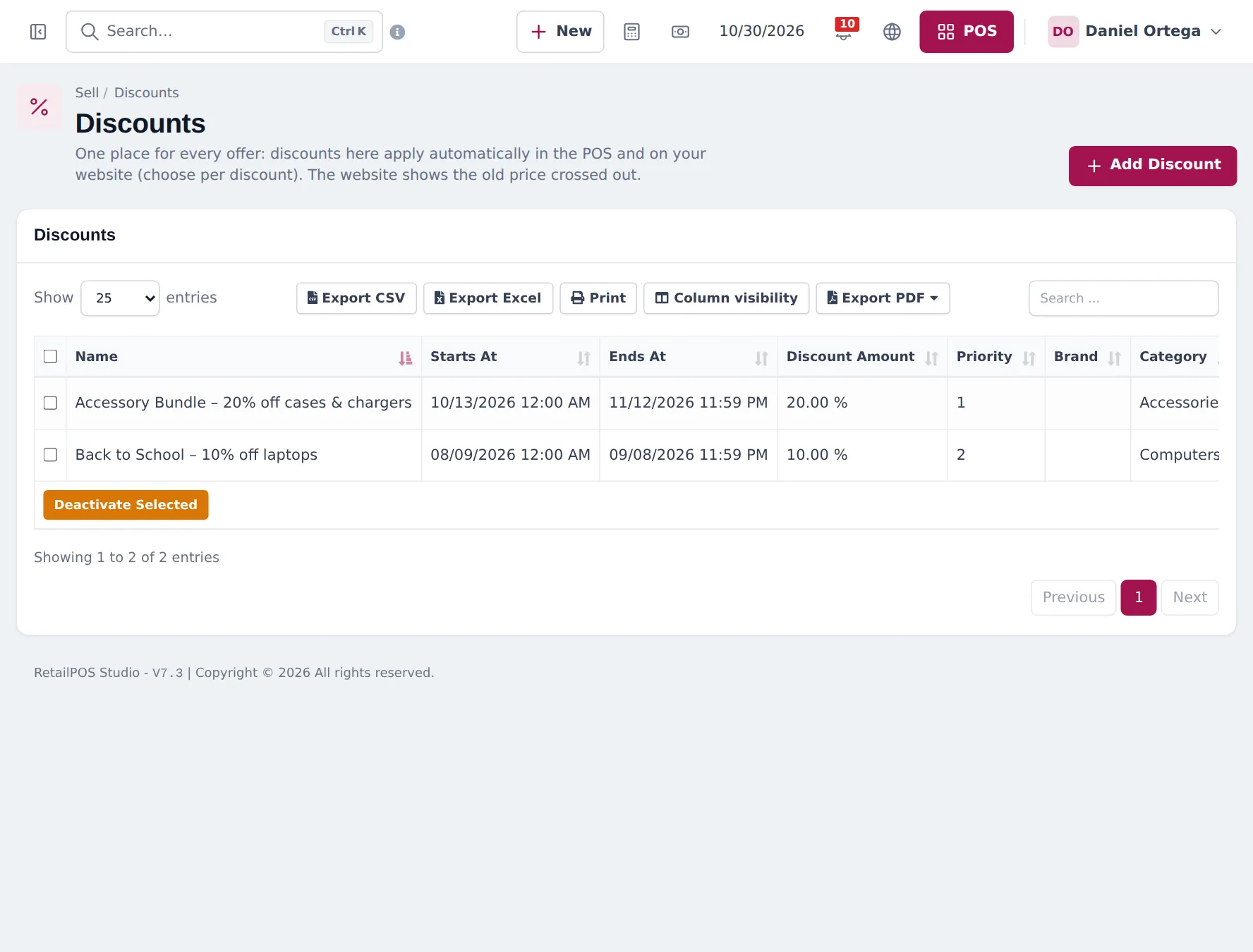
Section titled “Discounts and offers”- Open Sell › Discounts › Add Discount.
- Name it, choose products, a brand or a category, the location, the discount type and amount, start and end dates, and the priority.
- Choose Where it applies: everywhere, POS only, or website only.
- Save. The POS applies it automatically; the website shows the old price crossed out.
Next: step 5: sell in the store.
Frequently asked questions
What is a selling price group?
A named second price list, such as Wholesale, Business Accounts or Student & Educator. Each product can have its own price in each group; products without a group price use the normal selling price.
How do group prices get applied?
Three ways. Choose the group in the POS price group dropdown, give a location a Default Selling Price Group, or set a customer group's price calculation to Selling Price Group so its customers get those prices.
How do I enter group prices for many products?
Use Products › Update Price to export prices to a spreadsheet, fill the group columns and import it back. For one product, use Save & Add Selling-Price-Group Prices on the product form or Actions › Add or edit Group Prices in the product list.
Can a discount apply only online?
Yes. Each discount has Where it applies, all, POS only or website only.
Do Shopper app members get member prices?
Yes, if you tick Members see their member prices in the Shopper app settings. Approved members see their customer group or price group price.