
Tax authority - FBR Digital Invoicing (Pakistan)
The Tax authority module reports your sales and returns to FBR Digital Invoicing (Pakistan) and prints the FBR invoice number and QR code on your receipts.
Set it up
Section titled “Set it up”- Switch on Tax authority (FBR) in Settings › Business Settings › Modules.
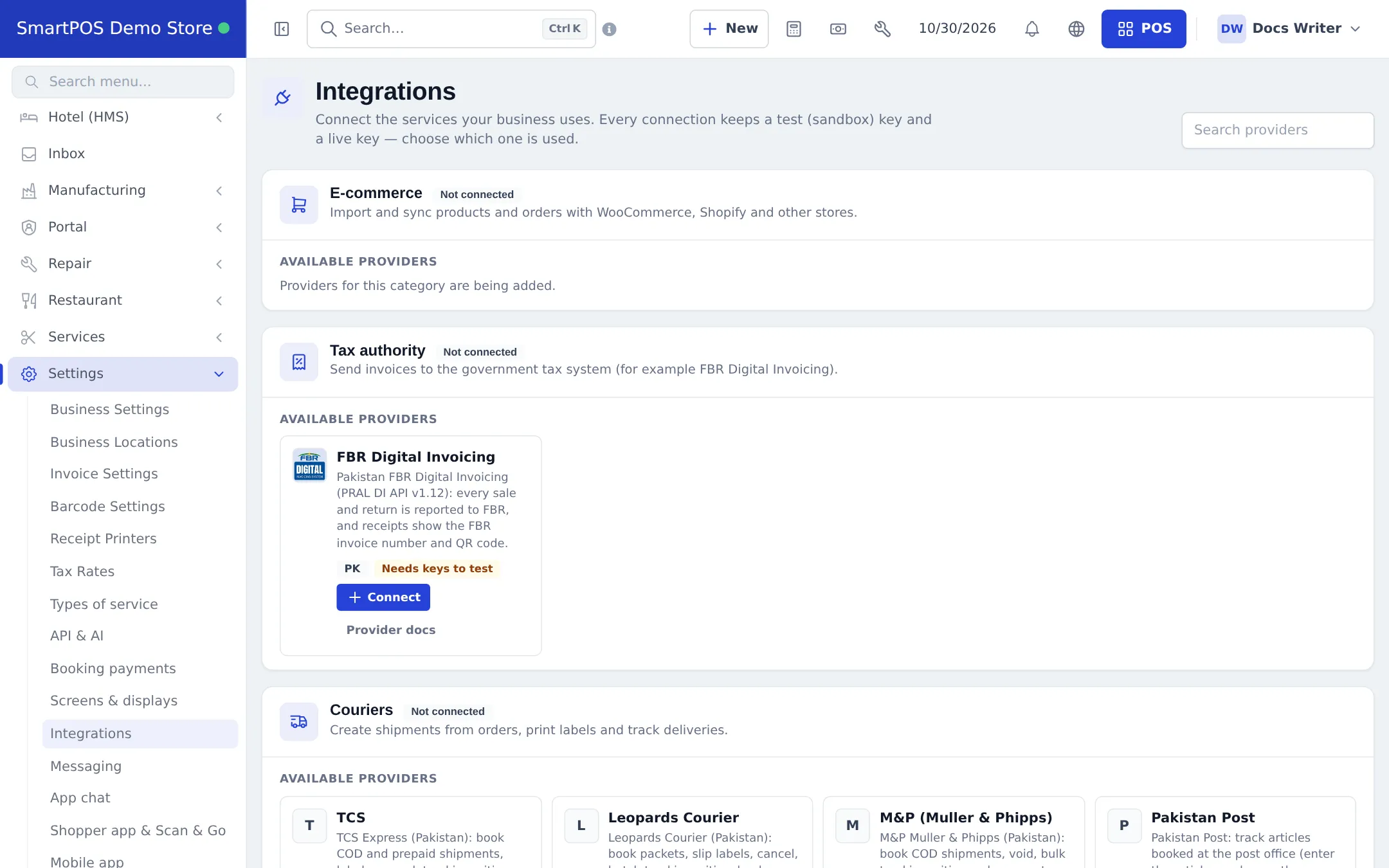
- Open Settings › Tax authority (also from Settings › Integrations › Tax authority).
- Connection: paste the sandbox and production tokens, choose the mode and test.
- Seller & defaults, Documents, Locations: your NTN and seller details, which document types and which locations report.
- Fill FBR fields on products (HS code, unit, sale type, rate, SRO schedule and item) - directly, through Category defaults, or with the extra columns of the product import.
- On customers, fill the Tax registration (FBR) section (NTN/CNIC, registered or unregistered, province) and use Check with FBR.
- Run the Sandbox tests, then switch to production when FBR approves.
Follow submissions
Section titled “Follow submissions”Reports › Tax authority submissions shows each document’s status (accepted, rejected, retrying, unconfirmed…), with errors explained, Resubmit, Retry all rejected, entering an FBR number by hand, Do not report, and CSV export. The sales list shows an FBR ✓ or FBR: Rejected badge next to each invoice number.
Related pages
Section titled “Related pages”Frequently asked questions
Which tax authority is supported?
FBR Digital Invoicing in Pakistan. Other countries can be added later.
Does FBR reporting slow down the till?
No. The sale is saved first; reporting happens right after in the background, so the till never waits or fails because of FBR.
What is printed on the receipt?
The FBR Digital Invoicing logo, the QR code and the FBR invoice number on every invoice design. Until FBR accepts it, the receipt says FBR invoice no.: pending. In sandbox mode it says Sandbox - not a legal invoice.
What do I need from FBR?
A sandbox token from PRAL to test, then the production token after FBR approves your sandbox tests. Enter both in Settings › Tax authority and choose the mode.
What happens to returns?
Each new returned quantity is sent as a note against the original FBR invoice, after the original sale was accepted.
A sale was rejected. What do I do?
Open Reports › Tax authority submissions, read the error and the hint, fix the product or customer data (for example the HS code), then Resubmit.
Can I cancel an accepted FBR invoice?
No. FBR cannot cancel an accepted invoice; make a sales return instead.