
Daily operations at a car wash
A car wash day is short and busy: a morning rush, a lunchtime lull, an after-work rush and detail jobs in between. Here is what to do and where.
Opening
Section titled “Opening”- Open the register at each pay station (Sell › POS, Cash in hand, Open Register).
- Check Services › Overview: appointments today, requests to confirm, staff load.
- Confirm any Requested online bookings.
During the day
Section titled “During the day”- Drive-ins: tap the package, add-ons, tip, pay (step 5).
- Booked details: Check in, Start, Checkout (step 4).
- Fleet cars: Credit Sale to the fleet customer.
- Retail: drinks and fresheners from the Retail tab; low stock shows on the tile.
Closing
Section titled “Closing”- Close each register and count cash; card slips should match the card total.
- Pay out cash tips from the Gratuity total of the day if you share tips.
- Check Reports › Z Report for the day.
Weekly and monthly
Section titled “Weekly and monthly”| When | What | Where |
|---|---|---|
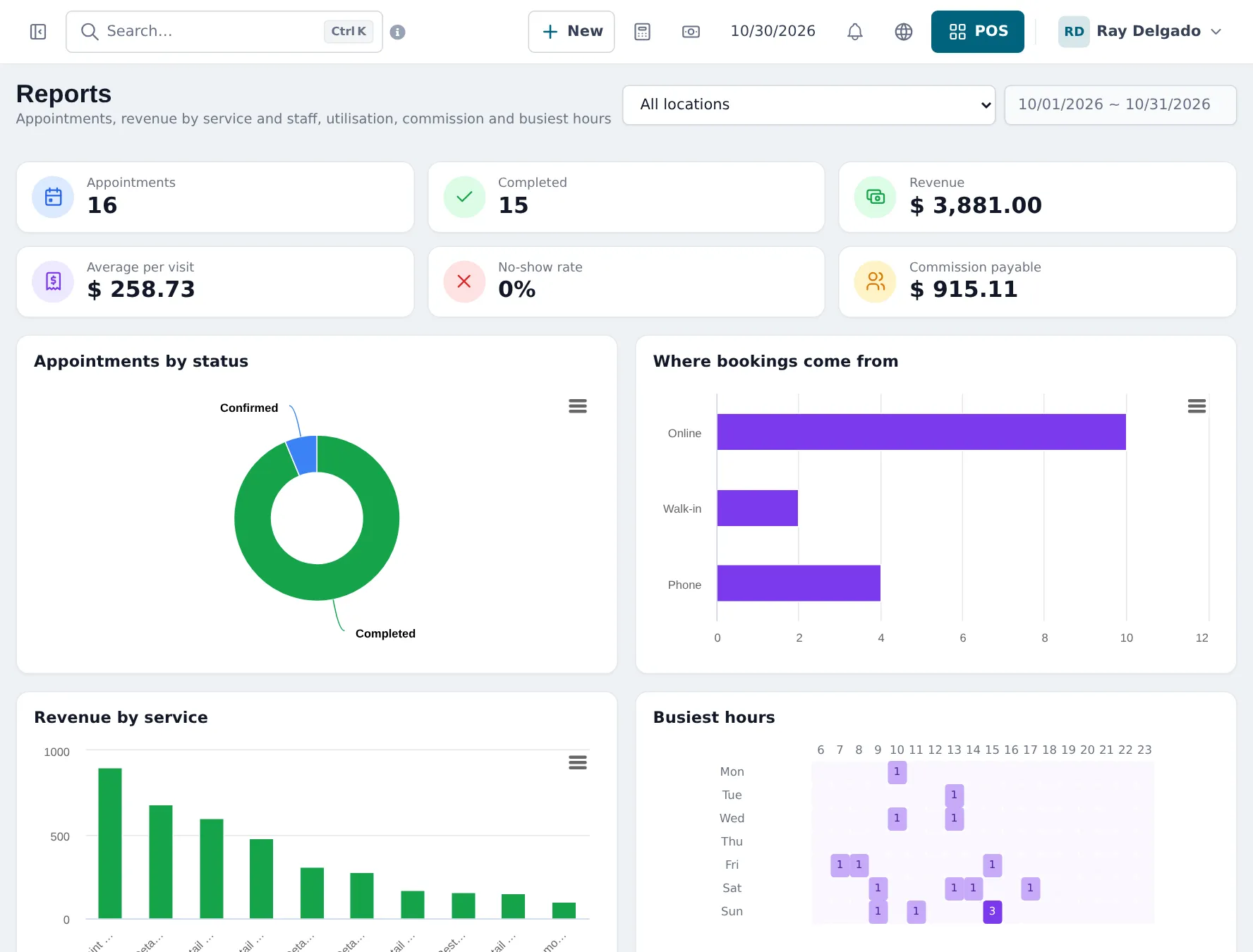
| Weekly | Commission per crew member | Services › Reports |
| Weekly | No-shows and busiest hours | Services › Reports |
| Monthly | Wash club renewals | Sell › All sales filtered by the club product, or Sell › Subscriptions |
| Monthly | Profit per site | Reports › Profit / Loss Report by location |
| Monthly | Chemical and supply costs | Expenses |
Frequently asked questions
What do I check before opening?
Services › Overview for today's appointments and staff load, and Bookings for requests to confirm.
How do I see how much each crew member earned today?
Services › Reports for the date, or Reports › Service Staff Report filtered by staff member.
How do I see which package sells best?
Reports › Product Sell Report grouped by product or category, or Services › Reports for booked services.
What if it rains and I close early?
Close the register as usual. Move booked appointments by dragging them in the Bookings calendar or open each and change the time.