
Bakery setup guide for SmartPOS Hub
This guide sets up a bakery, cake shop or patisserie on SmartPOS Hub, in order. It is written for the common setup of one bakehouse that bakes and several shops that sell, but it works the same for a single shop that bakes on site. You finish with recipes and real costs, a daily production routine, morning transfers to the shops, custom cake orders and wastage tracking.
Who this guide is for
Section titled “Who this guide is for”- Bakeries with a central bakehouse and two or more shops.
- Single-shop bakeries and cake shops that bake behind the counter.
- Patisseries and sweet shops that take custom cake and party orders.
For a café that also bakes, read the Café guide for the counter and this guide for production.
What you will set up
Section titled “What you will set up”- Bakehouse, shops and modules.
- Products, weighed items and units: raw materials, finished goods, kilograms and dozens.
- Recipes (bill of materials): ingredients, batch output, extra costs and margins.
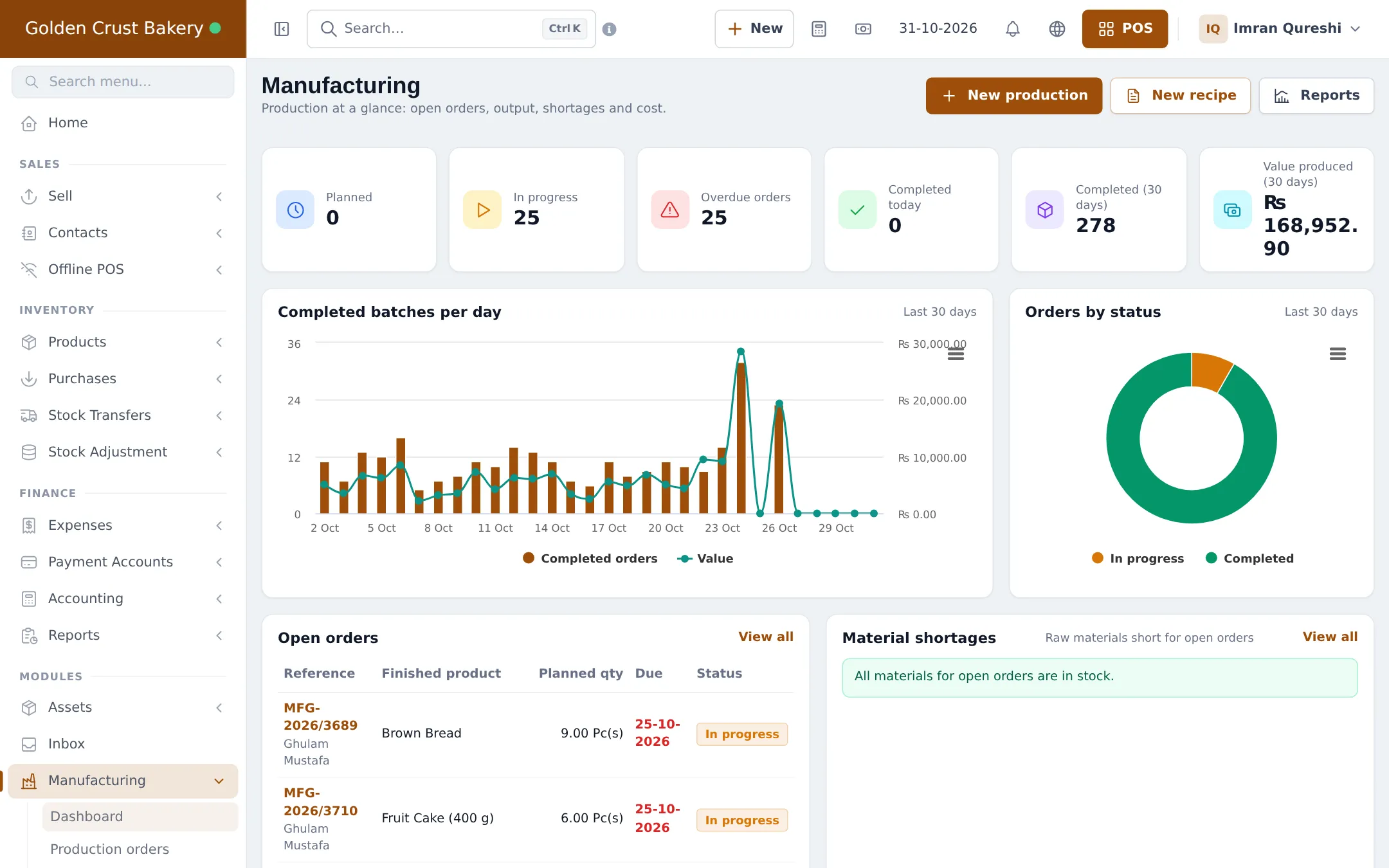
- Daily production orders: plan, start and complete batches.
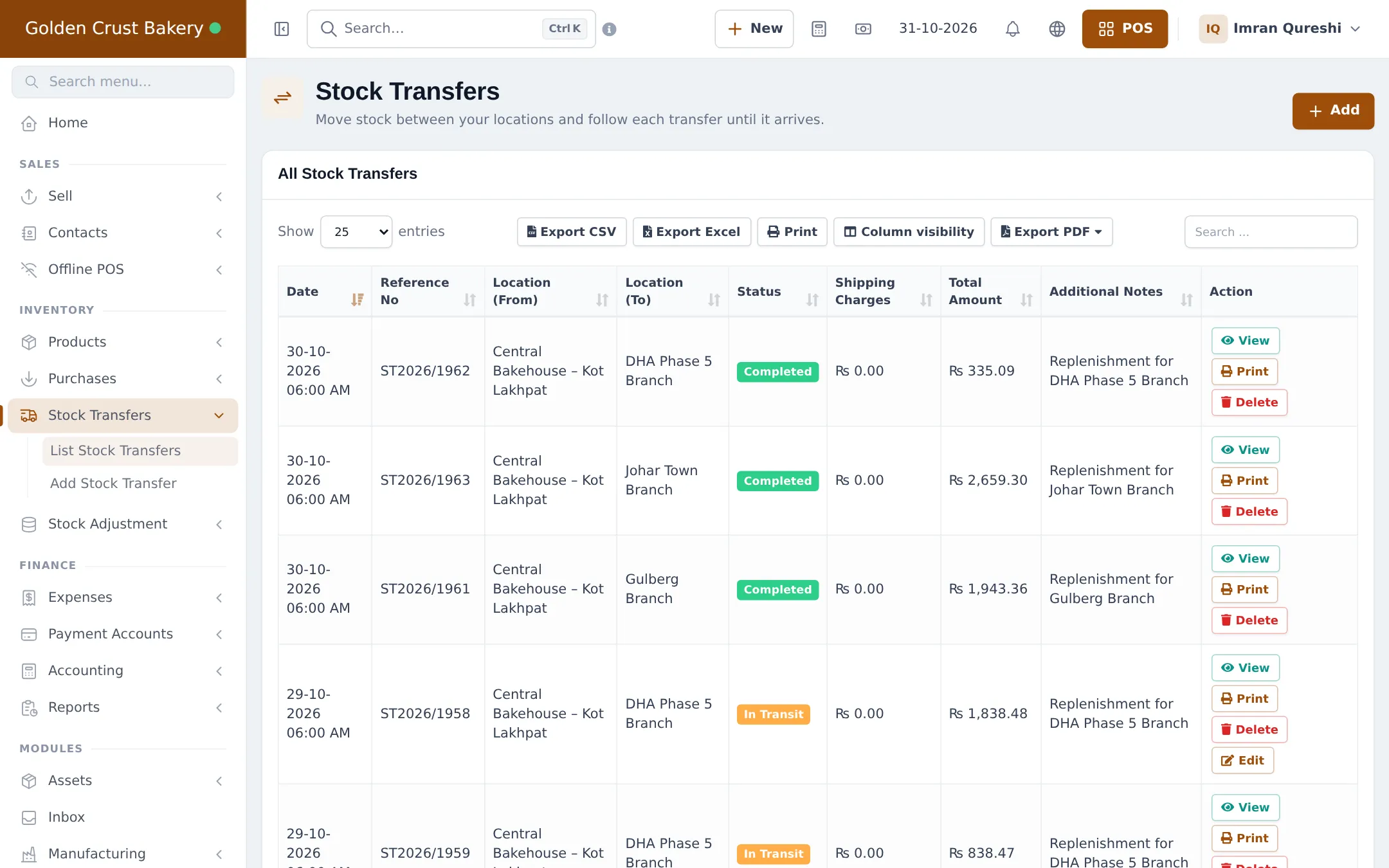
- Send fresh stock to the shops with stock transfers.
- Custom cake orders with order options.
- Fresh stock, expiry and wastage.
- Daily operations.
- Go-live checklist.
Modules to turn on
Section titled “Modules to turn on”| Module | Where | Needed for |
|---|---|---|
| Manufacturing | Settings › Business Settings › Modules | Recipes, production orders, batch costing, wastage |
| Order options & personalisation | Settings › Business Settings › Modules | Custom cake details at the till and online |
| Accounting & Bookkeeping | Settings › Business Settings › Modules | Optional: production journals in your books |
| Modifiers | Settings › Business Settings › Modules | Optional: paid extras like candles or a gift box |
| Offline POS | Settings › Business Settings › Modules | Optional: keep the shop tills selling without internet |
Time needed
Section titled “Time needed”| Part | Typical time |
|---|---|
| Steps 1–2 (locations, modules, products, units) | 1–2 hours |
| Step 3 (recipes) | 5–10 minutes per recipe |
| Steps 4–5 (test production and a transfer) | 30 minutes |
| Steps 6–7 (cake form, wastage routine) | 30–45 minutes |
Shared guides you will use
Section titled “Shared guides you will use”Frequently asked questions
Can SmartPOS Hub track what my bakers make?
Yes. The Manufacturing module holds a recipe for each product. Each production order takes the flour, butter and boxes out of stock and adds the finished loaves at their real cost when the batch is completed.
I bake in one place and sell in three shops. How does that work?
Make the bakehouse and each shop a business location. Production orders run at the bakehouse, and stock transfers move the fresh goods to the shops every morning.
Can I sell cakes by weight or by the dozen?
Yes. Use a unit that allows decimals, such as Kilogram, for weighed goods, and sub-units such as Dozen for pieces sold in packs. Label-printing scales are supported with weighing-scale barcodes.
How do I take custom cake orders?
Use Order options. A Celebration cake form asks for the flavour, filling, message, colour and other details at the till, prices the extras, prints them on a work ticket and lets you track each cake until it is collected.
How do I record bread that didn't sell?
Record unsold or damaged goods as a stock adjustment with a reason. Waste during baking is recorded on the production order with a waste reason, so it shows in the Wastage report.
Do I need a special plan?
Manufacturing and Order options must be in your plan. A module that isn't shows as a greyed card Not in your plan on the Modules tab, with a See plans button.
Can bakers use a phone?
Yes. The Production screen in the SmartPOS Business app lists orders and recipes, shows the materials needed and lets bakers start and complete batches.
Will my costs and profit be right?
Yes. Completed batches use the actual cost of the ingredient stock they consumed plus extra costs such as labour and gas, so the cost of each loaf sold is real.
Can customers order cakes online?
Yes. The same order option forms work in your online store and the SmartPOS Shopper app, so the customer fills in the cake details when ordering.
Can I try it first?
Yes. The public bakery demo listed on smartposhub.com shows a bakehouse with three shops, recipes, daily production and cake orders. It is read-only and resets every few days.