
Convenience store setup guide
This guide sets up a convenience store, corner shop or gas-station shop on SmartPOS Hub. You finish with a scanned catalog, a fast checkout, one cash register per cashier per shift, Scan & Go for regulars, age checks for tobacco and alcohol, expiry tracking and a clean cash-up every night.
Who this guide is for
Section titled “Who this guide is for”- Convenience stores and corner shops open long hours with several shifts.
- Gas-station and travel-centre shops (the shop side; fuel pumps are not connected).
- Kiosks and express marts that need the fastest possible checkout.
For a larger supermarket with weighing scales and a warehouse, see the mart & grocery guide.
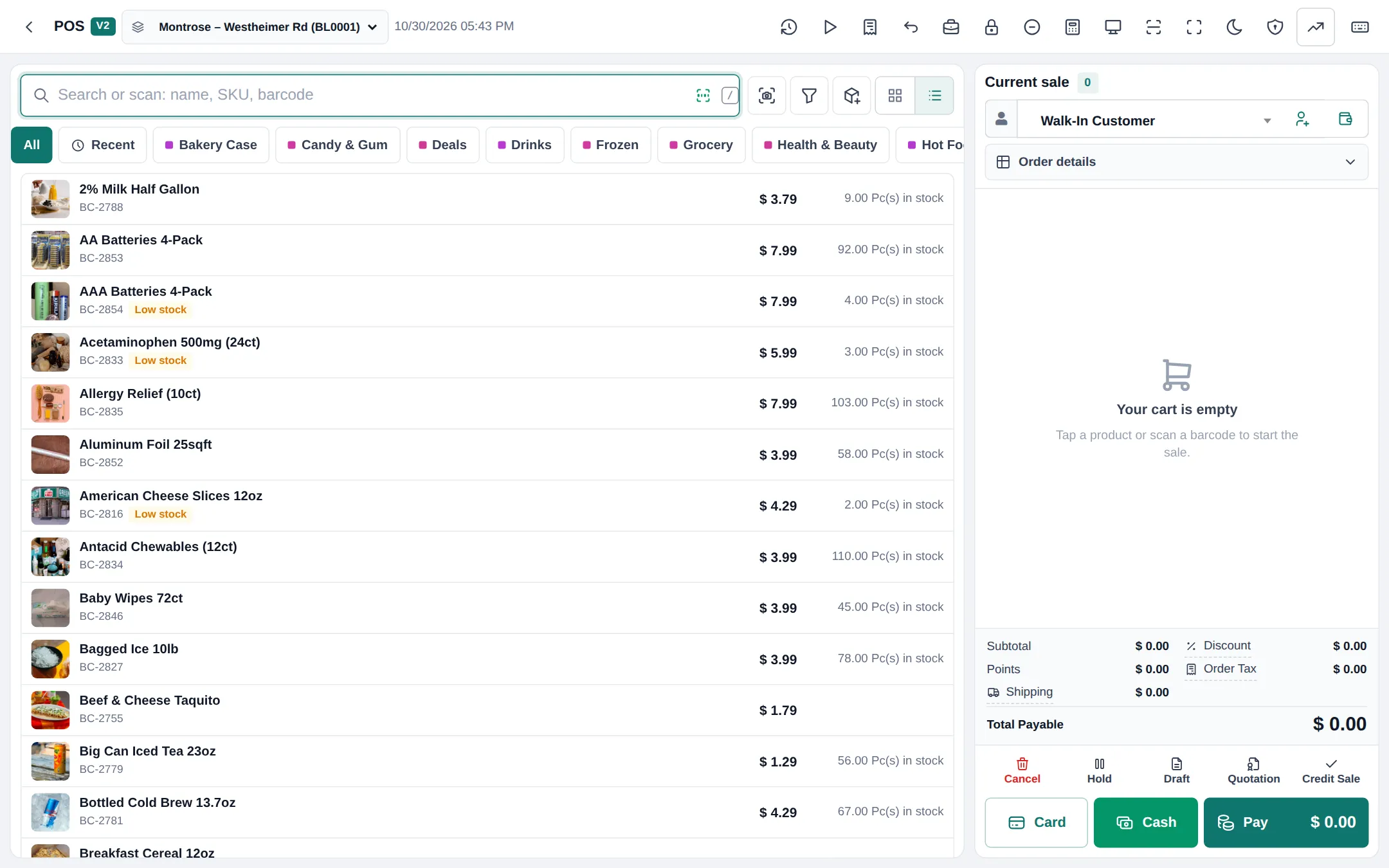
What you will set up
Section titled “What you will set up”- Catalog and barcodes: Product Library, expiry and lots, labels.
- Fast scanning checkout: POS V2, shortcuts, express payments.
- Shifts and cash registers: open, hand over and close per cashier.
- Scan & Go and the Shopper app: self-scanning and member prices.
- Age checks, top-ups and extras: tobacco and alcohol, coffee, services.
- Daily operations and the go-live checklist.
On a phone
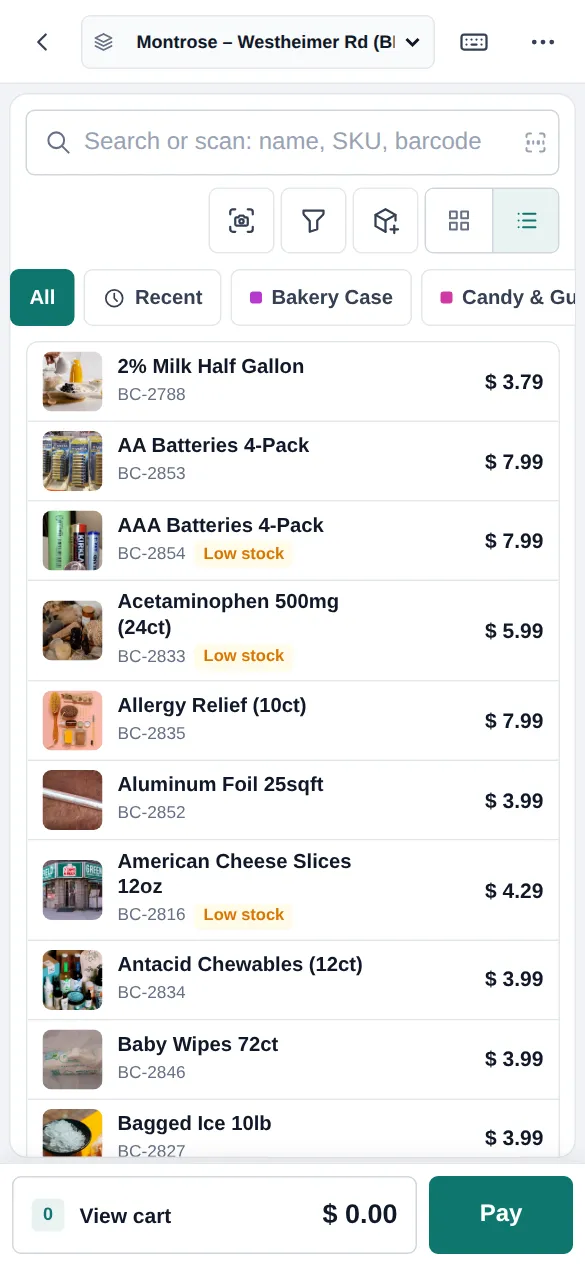
Section titled “On a phone”POS V2 works in a phone browser, and the SmartPOS Business app (Google Play) scans with the camera and loads Scan & Go carts.
Related guides
Section titled “Related guides”Frequently asked questions
Is SmartPOS Hub fast enough for a busy c-store?
Yes. POS V2 is built for scanning: the search box takes barcodes straight away, keyboard shortcuts finish a cash or card sale in one key, and category tabs cover items without barcodes such as hot food.
Can I load products quickly?
Yes. The Product Library Mart catalog has thousands of grocery, snack, drink and household products with barcodes and photos. Import what you stock, add prices, or load your own list with Products › Import Products.
Can each cashier have their own drawer?
Yes. Each cashier opens a register with their float at the start of the shift and closes it at the end. Reports › Register Report shows every shift with its cash, card and other totals.
Does it handle lottery tickets or fuel pumps?
No. There is no lottery terminal or fuel pump integration. Some stores record lottery sales and payouts as products without stock, but the official lottery terminal stays separate.
Can customers scan their own items?
Yes. With Scan & Go in the SmartPOS Shopper app, customers scan items as they shop and show a cart code; the cashier loads the whole cart with one scan and takes payment.
How do I check age for tobacco and alcohol?
With the Order options module, attach the Age-restricted item form to tobacco, vape and alcohol categories. The till then asks for the date of birth and an ID confirmation.
Can I track expiry dates on sandwiches and dairy?
Yes. Turn on Enable Product Expiry and Enable Lot number, enter dates on purchases and check Reports › Stock Expiry Report.
Can I sell mobile top-ups or take bill payments?
You can record them as products without stock. The Order options form Top-up and bill payment captures the phone or account number on the sale line. There is no direct connection to a top-up or bill-payment provider.
Can it keep selling if the internet drops?
Yes, with the Offline POS module: an installable POS that keeps selling and syncs when the connection returns.
Which plan do I need?
The POS, cash registers and reports are in every plan. Product Library, Shopper app, Order options and Offline POS depend on your plan. Settings › Package Subscription shows what is included.