
Car wash step 3: crew, hours and commission
Detailers and wash crew are paid partly on what they do. SmartPOS Hub ties each service to the person who did it, so appointments are only offered when someone is free and commission is calculated at checkout.
Before you start
Section titled “Before you start”- Each crew member has a user in User Management › Users.
- Services are created (step 2).
Add the crew
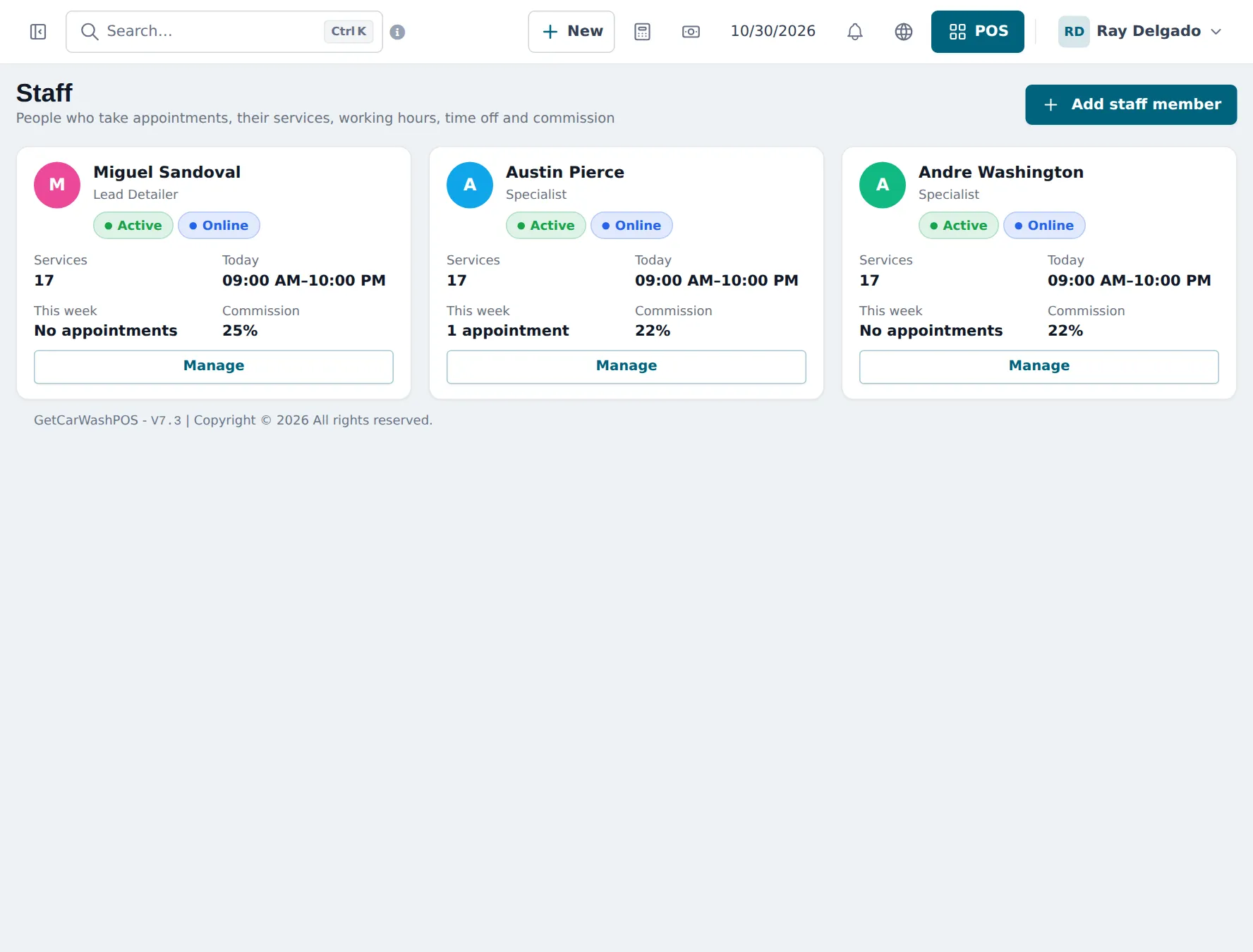
Section titled “Add the crew”- Open Services › Staff and click Add staff member.
- Pick the user and add a Job title (Lead Detailer, Specialist, Tunnel Attendant).
- Choose Same as the business opening hours or Own weekly hours, and add breaks.
- Tick the Services performed.
- Set Commission: Percent of price (for example 22 %) or Fixed amount. Save.
Credit crew on walk-in sales
Section titled “Credit crew on walk-in sales”On a quick sale without an appointment, the cashier can choose the crew member in Select service staff on the POS (needs the Service staff module). Booked appointments carry their staff member into the sale automatically at Checkout.
Check what each person earned
Section titled “Check what each person earned”- Services › Reports: revenue by service, staff performance and commission payable for a date range.
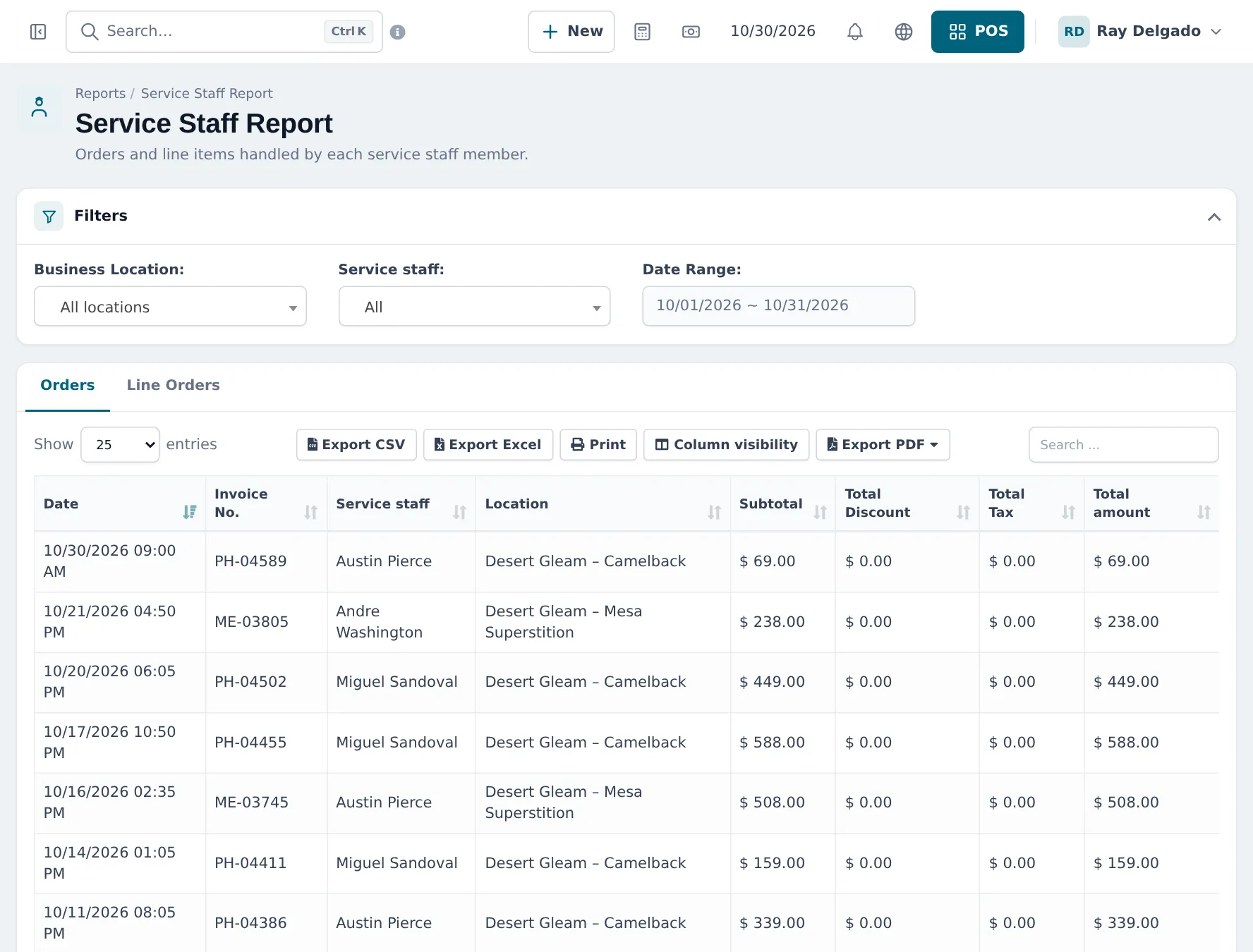
- Reports › Service Staff Report: every sale and line per staff member and location.
Tips and mistakes to avoid
Section titled “Tips and mistakes to avoid”- Don’t share one login across the crew; commission and reports would all go to one person.
- Set time off in advance for holidays; the booking page then never offers that person.
- A typical crew role has Services: manage own appointments (staff) plus POS selling. Edit roles in User Management › Roles.
Frequently asked questions
Does every crew member need a login?
Staff in the Services module are your users, so each needs a user in User Management › Users. Give crew a role with only the permissions they need, such as manage own appointments.
How is commission worked out?
When a sale with services is paid in the POS, each staff member on a line earns commission. SmartPOS Hub uses the staff member's rate for that service first, then their own rate, then the default in Services settings.
Can I pay a fixed amount per car instead of a percentage?
Yes. Set Commission to Fixed amount on the staff member or the default.
How do I credit a crew member on an express wash that wasn't booked?
With Service staff on, the cashier picks the crew member in Select service staff on the POS. The Service Staff Report then shows the sale under that person.
How do I block a detailer's day off?
Open the staff member with Manage and add the dates under Time off & breaks. They are not offered for appointments on those days.