
Appliance store step 2: import appliances and brands
Typing hundreds of AC and fridge models by hand takes days. The Product Library Electronics catalog has them ready: names, brands, categories, barcodes, photos and descriptions. You choose what you sell, import it, and add your own prices and stock.
Before you start
Section titled “Before you start”- Locations exist (step 1).
- You have a list of the brands and categories you carry.
Import the appliance departments
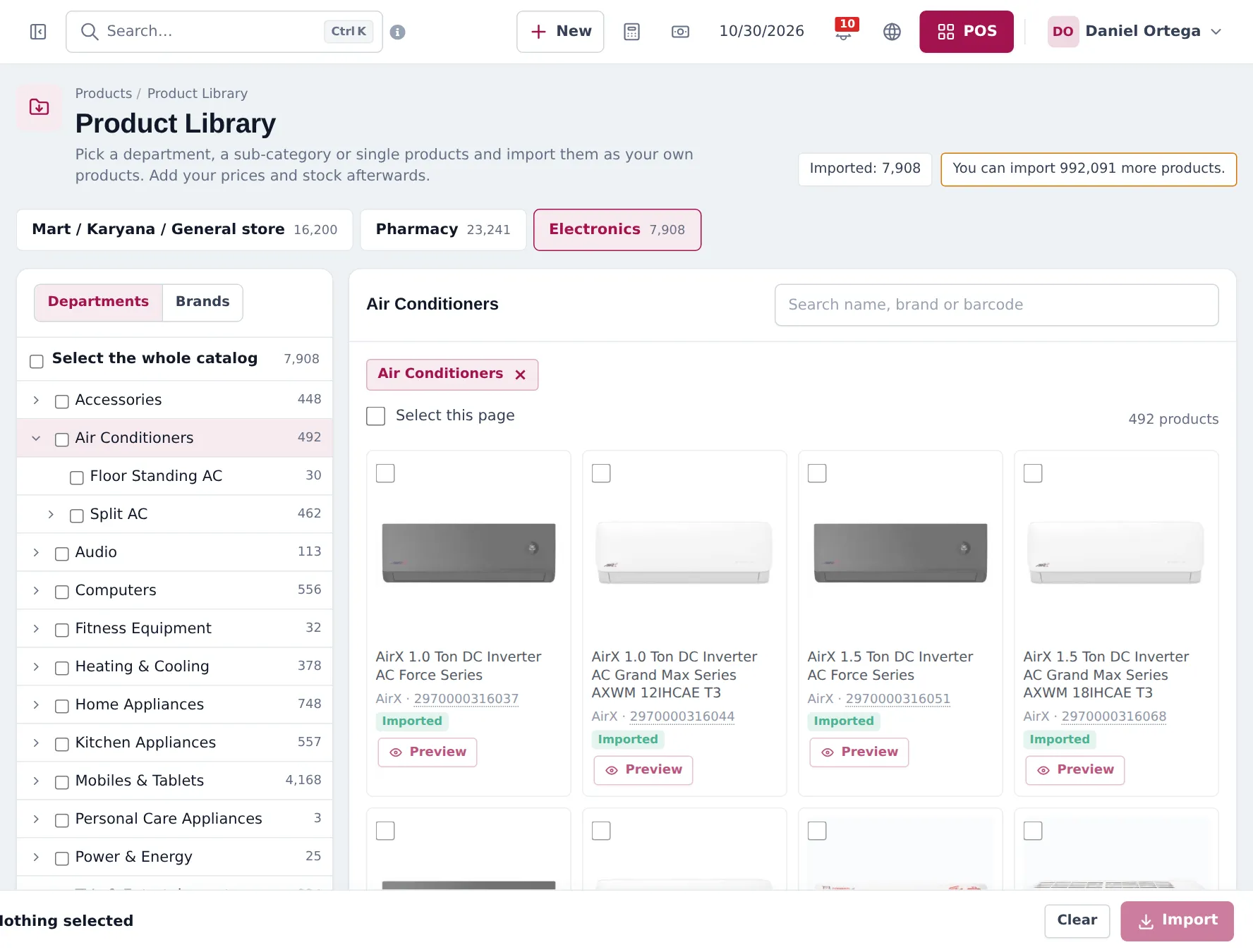
Section titled “Import the appliance departments”- Open Products › Product Library and choose the Electronics tab.
- In Departments, open Air Conditioners: you will see Split AC (inverter and non-inverter) and Floor Standing AC. Tick what you sell.
- Open Home Appliances for refrigerators, freezers, washing machines and water dispensers, and Kitchen Appliances for microwaves, ovens and small appliances. Tick what you sell.
- Or switch to Brands and tick only your brands.
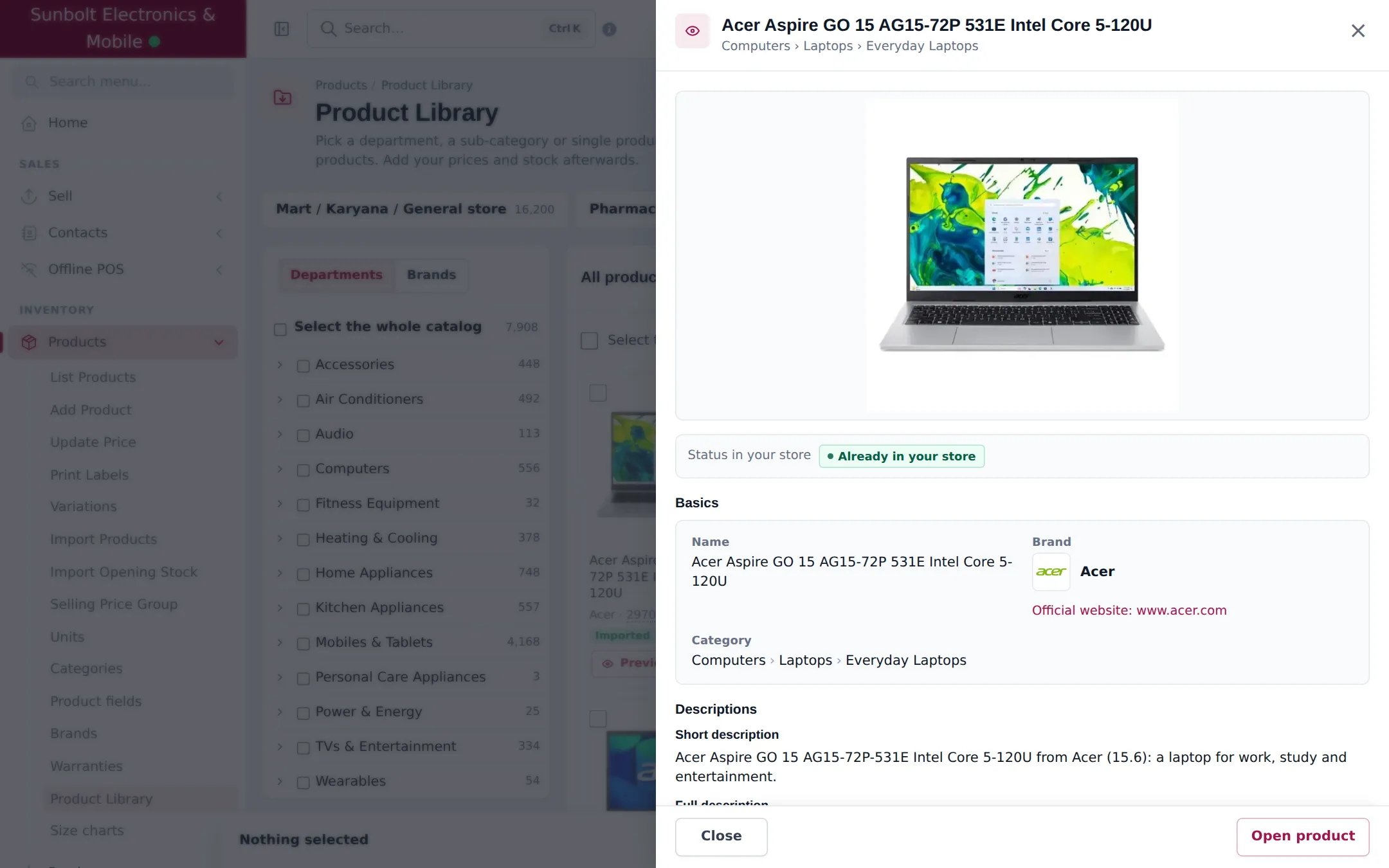
- Click Preview on a card to check the full product details.
- Click Import. Choose the Business locations (include the warehouse), the Tax, and keep Manage stock for these products ticked.
- Check the preview (Will create, Will reuse, Will skip) and click Import now.
Check brands and categories
Section titled “Check brands and categories”- Products › Brands: the imported brands appear with their logos. Brands you already had are reused.
- Products › Categories: the department, category and sub-category tree (for example Air Conditioners › Split AC › Inverter).
- Specifications (tonnage, capacity, energy rating) are kept as product fields, visible on the product and online.
Prices for big-ticket items
Section titled “Prices for big-ticket items”Appliance prices change with every season and supplier price list. Keep them current with Products › Update Price: export the price list, change prices in a spreadsheet, and import it back. Use price groups for dealer and corporate prices.
Frequently asked questions
Which departments hold appliances?
In the Electronics catalog, Air Conditioners (split inverter, non-inverter and floor-standing), Home Appliances (refrigerators, freezers, washing machines, water dispensers, vacuum cleaners, irons, commercial refrigeration), Kitchen Appliances and Heating & Cooling.
Are brands created for me?
Yes. Brands in your selection are created with their logo and description when you do not have them yet, and matched by name when you do.
Why is a split AC sold as a Set?
A split AC has an indoor and an outdoor unit that are sold together, so the import gives split and floor-standing ACs and home theatre sets the unit Set.
Can I import only one brand of ACs?
Yes. Use the Brands tab, or tick the department and untick what you do not sell, or search by brand and tick single products.
My models are not in the library. What now?
Add them with Products › Add Product, or import a spreadsheet with Products › Import Products.