
Pet store step 6: sell in store, online and in the app
With food, grooming and memberships set up, the till is where it all comes together. This step covers selling, offers, stock between stores and online orders.
At the till
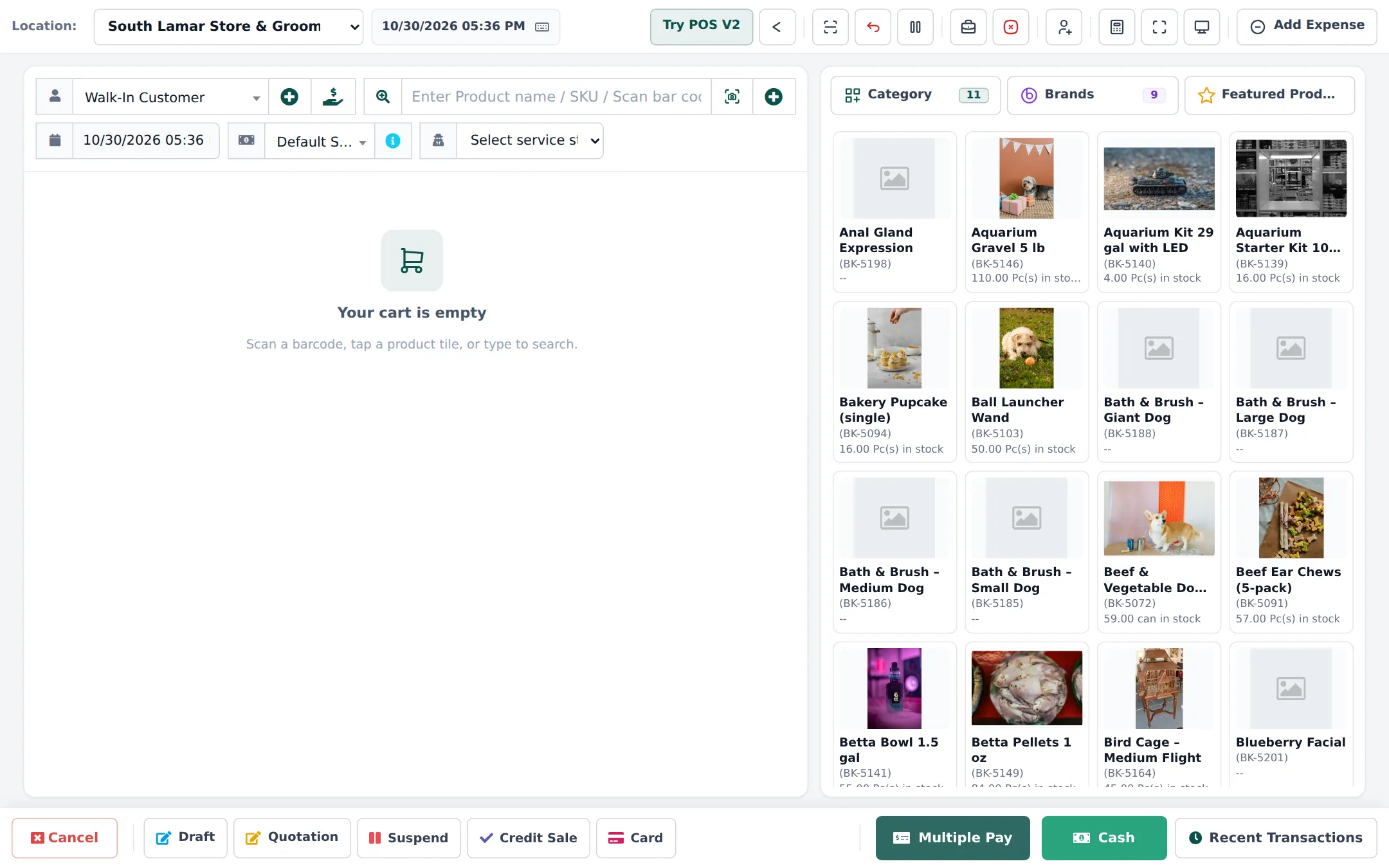
Section titled “At the till”- Open Sell › POS and pick the customer (members and rescue groups get their prices automatically).
- Scan bags and cans. For a case, change the line unit to Case (24 cans).
- For a groom, start from the appointment’s Checkout so services and groomer are filled in (step 4).
- Take payment; reward points are earned and can be redeemed.
Offers that work for pet stores
Section titled “Offers that work for pet stores”| Offer | Setup |
|---|---|
| Treat of the month, 15% off | Category discount with dates, POS and website |
| Black Friday toys | Category discount for 3–5 days |
| Rescue and trainer prices | Price groups linked to customer groups |
| Buy a big bag, get a groom add-on | Discount on the add-on service, POS only |
Details: Prices and discounts.
Two stores
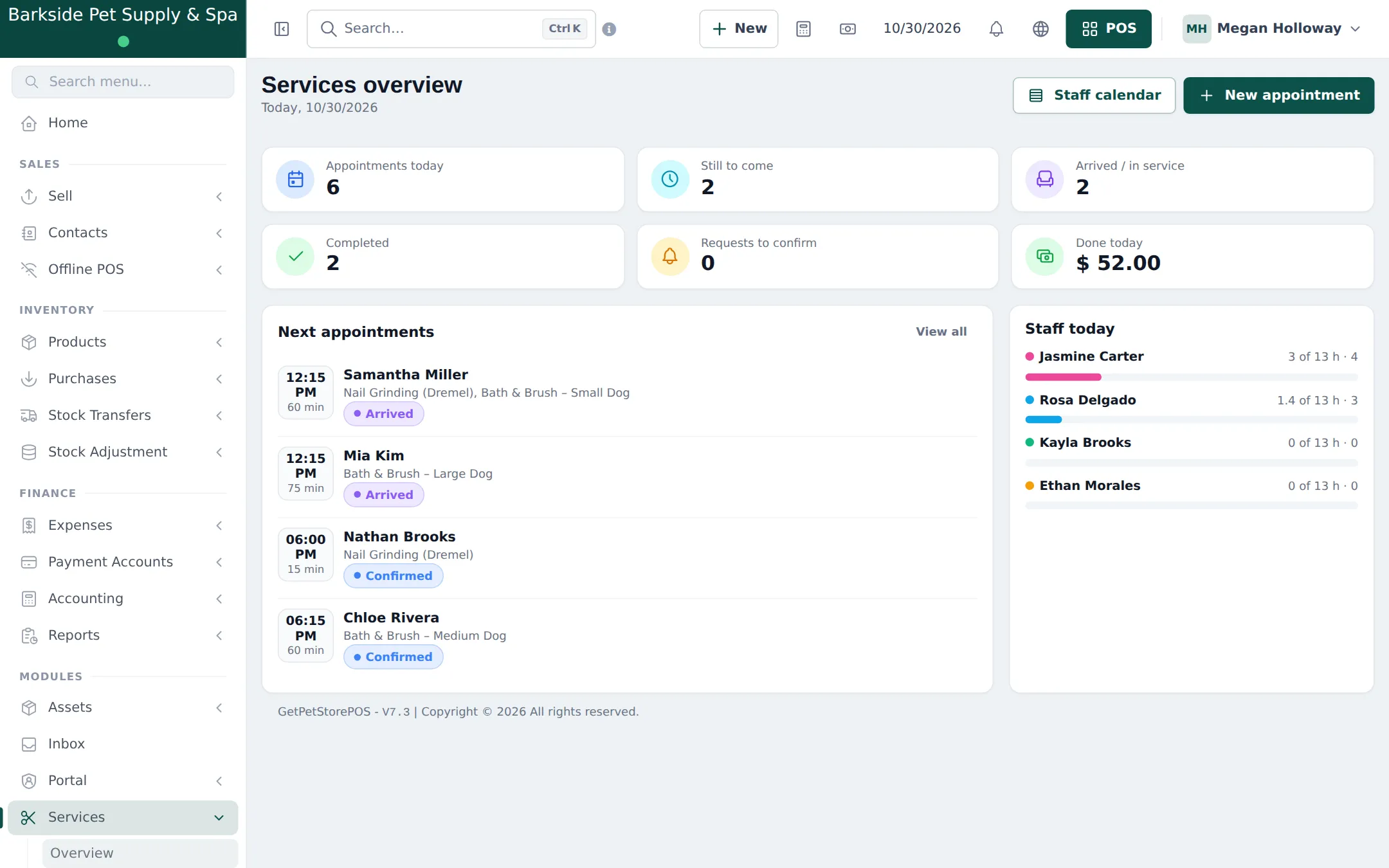
Section titled “Two stores”Move food between stores with Stock Transfers (Stock transfers). Each store has its own groomers’ calendar; the Services overview shows today’s appointments and staff load per location.
Online store and Shopper app
Section titled “Online store and Shopper app”- Set up Website › Store info, Payments and Shipping (local delivery areas, pickup).
- Make sure foods have photos and Show on website on; the Pet food specifications show on the product page.
- Switch on the Shopper app in Settings › Shopper app & Scan & Go, choose a design (Market or Classic suit pet stores) and print the store QR poster.
- Members can reorder food, book grooming and see their receipts in the app.
- Process orders in Website › Orders.
Next: daily operations.
Frequently asked questions
Can I sell grooming and food on one receipt?
Yes. At Checkout from the appointment the POS opens with the grooming services; add the food and treats and take one payment.
How do I run a treat of the month offer?
Add a discount in Sell › Discounts for the treats category or brand, with start and end dates. Choose POS only, website only, or both.
A customer's usual food is out in this store. What can I do?
Check the other store's stock and create a stock transfer, or order it with a purchase order. The SmartPOS Business app shows stock by store.
Can customers order food for pickup?
Yes, in your online store or the SmartPOS Shopper app. Orders arrive in Website › Orders.
Can a rescue group get its price automatically?
Yes. Link the rescue's customer record to a customer group with the Rescue pricing price group.