
Daily operations and reports for distributors
Every day
Section titled “Every day”- Morning: print the sales orders to pick, and the packed deliveries per driver from Sell › Shipments.
- Loading: invoice each order from the shipping warehouse (Sell › Add Sale with the order) and set the shipping status to Shipped.
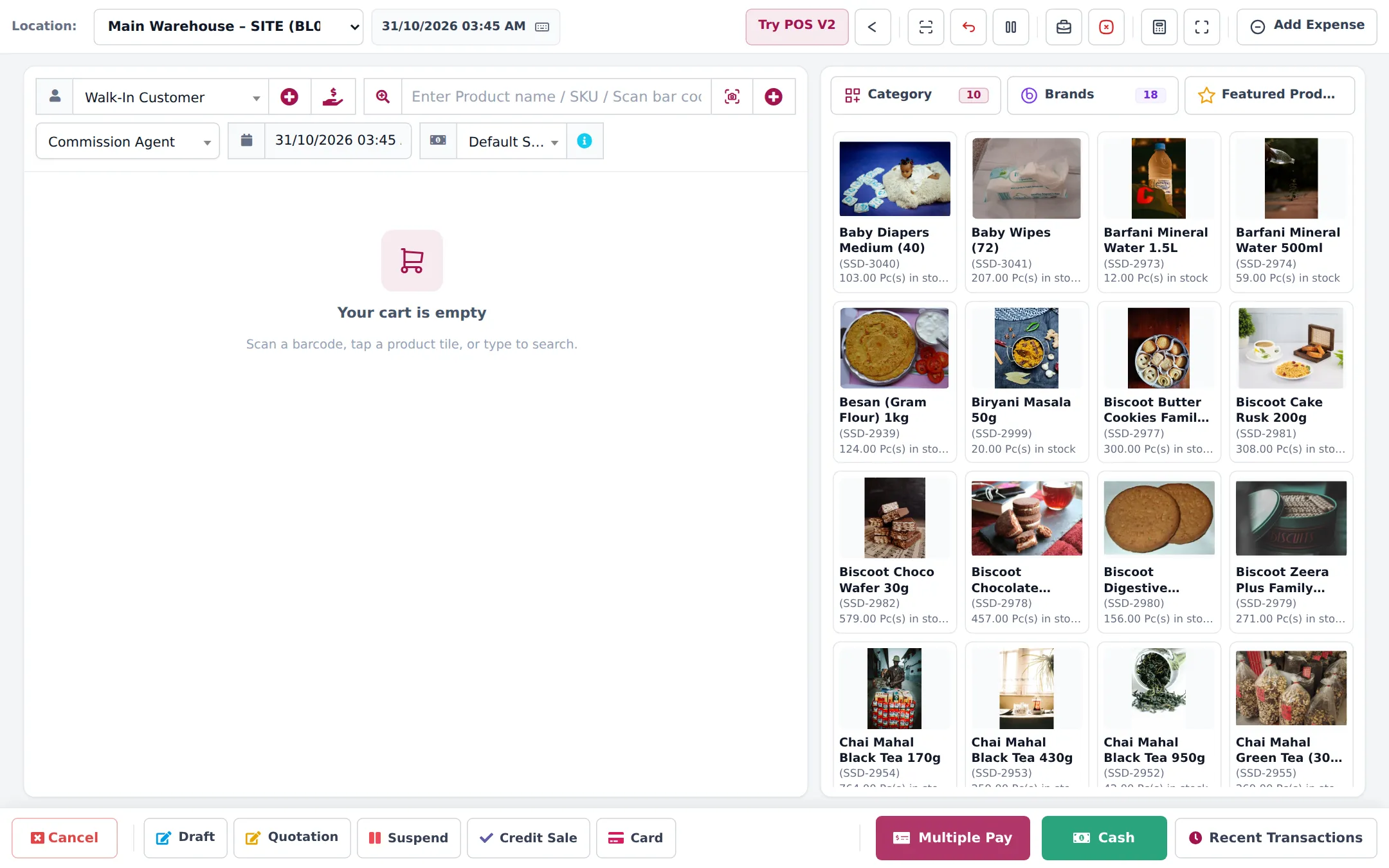
- During the day: take new orders as sales orders; serve cash-and-carry customers at the POS; receive supplier trucks as purchases.
- Evening: drivers report back; set Delivered, record cash and cheques collected with Add payment; close the registers at the counter.
Every week
Section titled “Every week”| What | Where |
|---|---|
| Overdue invoices to chase | Reports › Payment by Age |
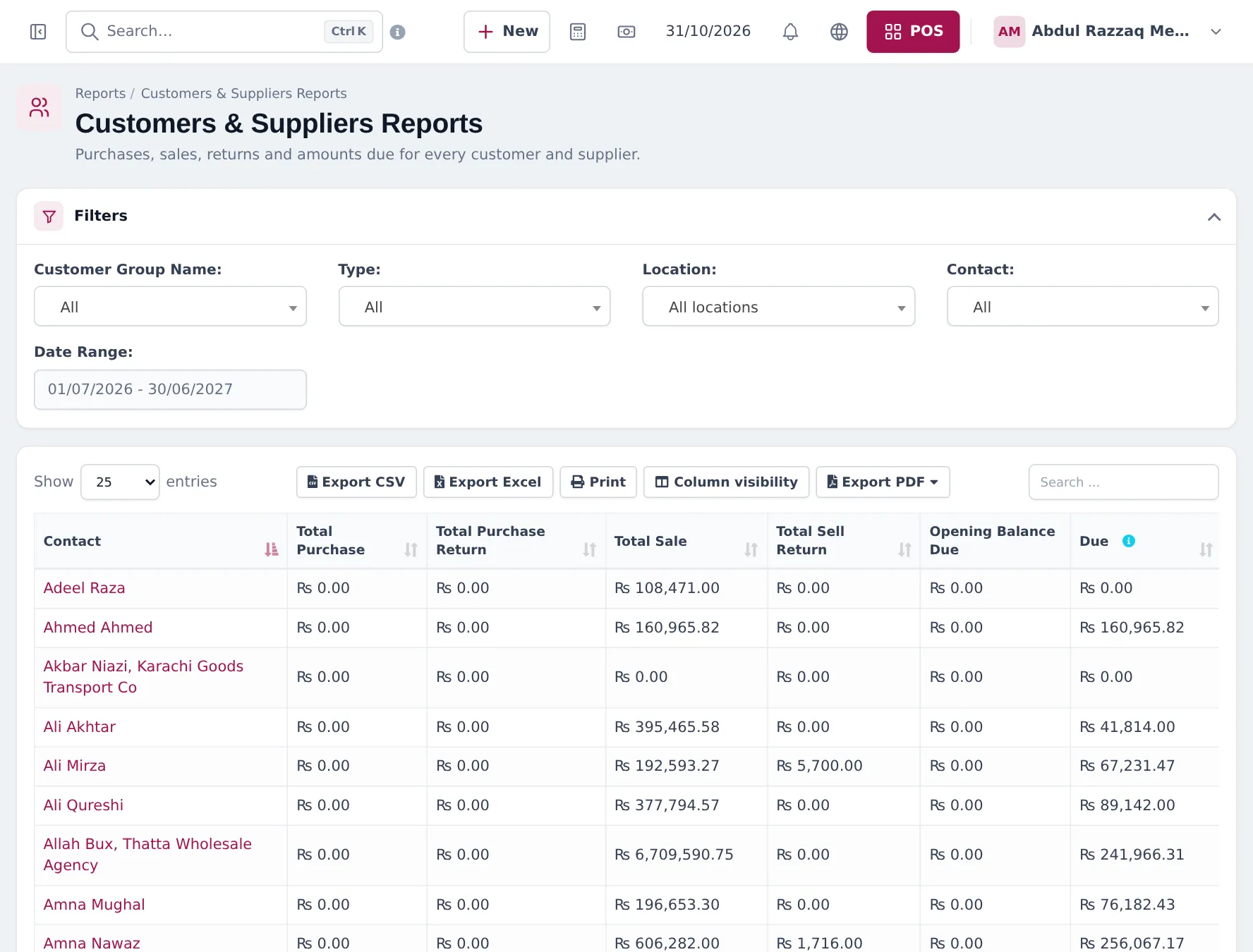
| Customer balances | Reports › Supplier & Customer Report |
| Depot replenishment | Reports › Stock Report by location, then Stock Transfers |
| Purchase orders to manufacturers | Reports › Stock Report, Purchases › Purchase Order |
| Supplier payments due | Dashboard Purchase Payment Due, Reports › Purchase Payment Report |
| Rep sales and commission | Reports › Sales Representative Report |
Every month
Section titled “Every month”- Reports › Profit / Loss Report per location.
- Reports › Product Sell Report by category or brand to see which manufacturer lines pay.
- Reports › Lot Report and Stock Expiry Report for FMCG close to expiry.
- A stock count in each depot (stock counts).
Frequently asked questions
Which report shows total owed by each customer?
Reports › Supplier & Customer Report. Filter by customer group, type and location; the Due column is what each customer owes.
Which report shows overdue invoices?
Reports › Payment by Age, which groups unpaid amounts by days overdue per customer.
How do I see profit per depot?
Reports › Profit / Loss Report filtered by location. Distribution margins are thin, so check it monthly.
How do I check a rep's sales?
Reports › Sales Representative Report filtered by user, location and date.
Can I see everything on a phone?
Yes. The web app works in a phone browser and the SmartPOS Business app has customers, balances, stock and sales.