
Food truck step 4: sell from a phone with the Business app
Many trucks don’t need a laptop at all. The SmartPOS Business app turns an Android phone or tablet into a till: tiles, search, barcode scanner, cash and card, receipts, the cash register and offline selling.
Before you start
Section titled “Before you start”- Each crew member has a login with access to their truck (step 1).
- An Android phone or tablet with SmartPOS Business from Google Play.
Install and sign in
Section titled “Install and sign in”- Install SmartPOS Business from Google Play.
- Sign in with the crew member’s username and password.
- Allow notifications and the camera (for the scanner) when asked.
Details: Install and sign in.
- Tap Sell (New sale). Check the truck’s location at the top.
- Tap category chips and product tiles, or search and scan.
- Tap View cart to check the order, then Pay. Choose cash (the app shows the change) or card.
- Tap Print (Bluetooth receipt printer) or share the receipt.
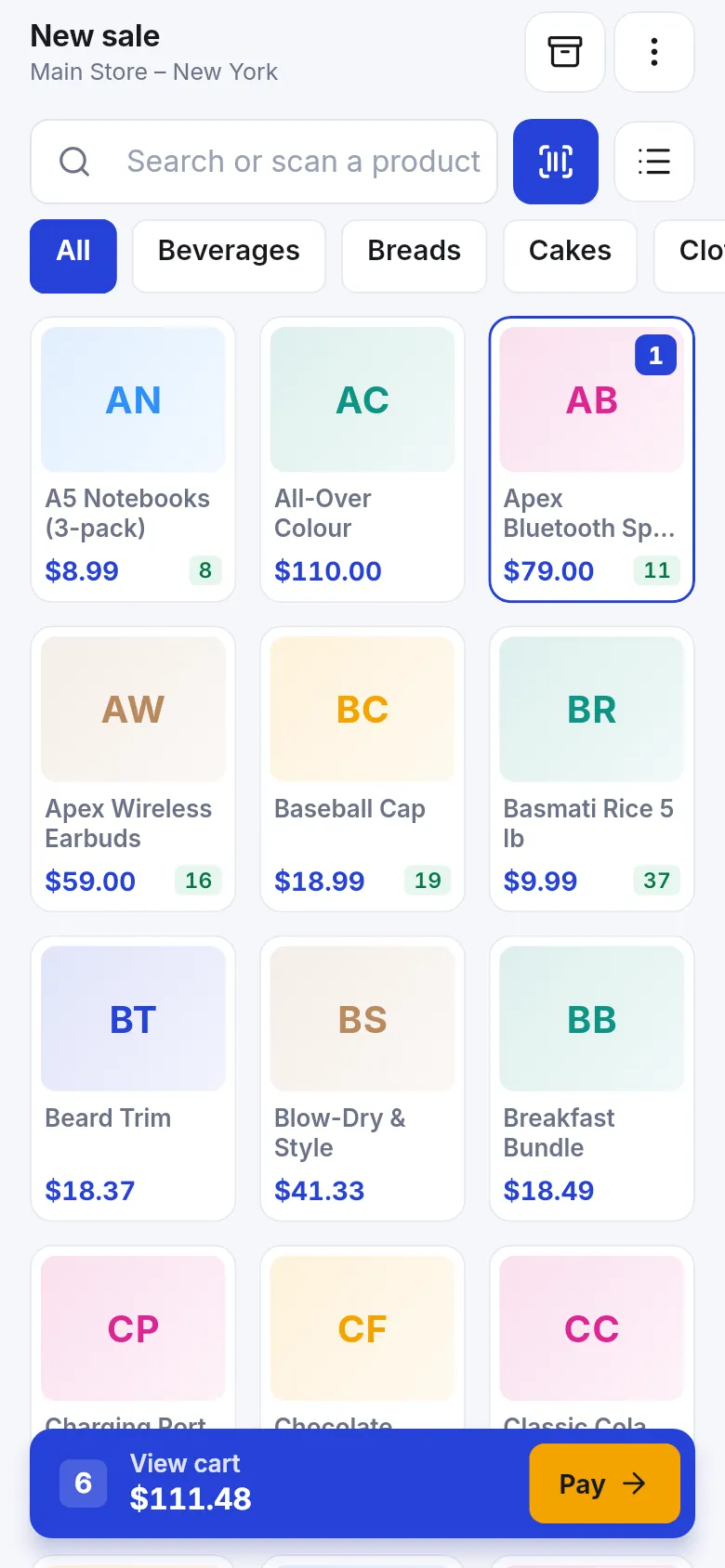
More: Sell in the app.
Set the phone up for offline selling
Section titled “Set the phone up for offline selling”- While online, open Offline selling in the app.
- Tap Set up this phone. Products, prices and customers are stored encrypted on the phone.
- When there is no signal, keep selling. Each sale shows Saved on this phone and Waiting to sync.
- When the signal returns, the sales are sent and get their invoice numbers.
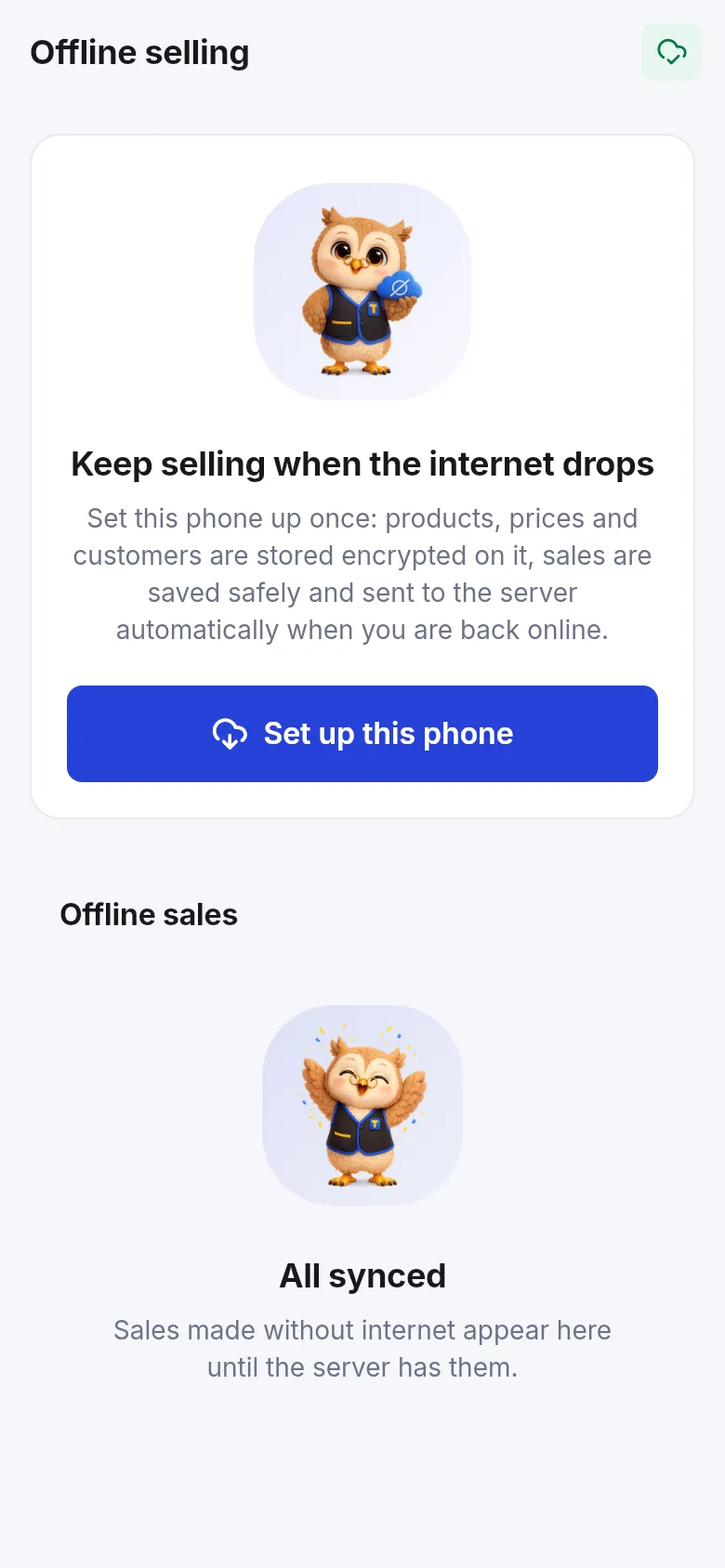
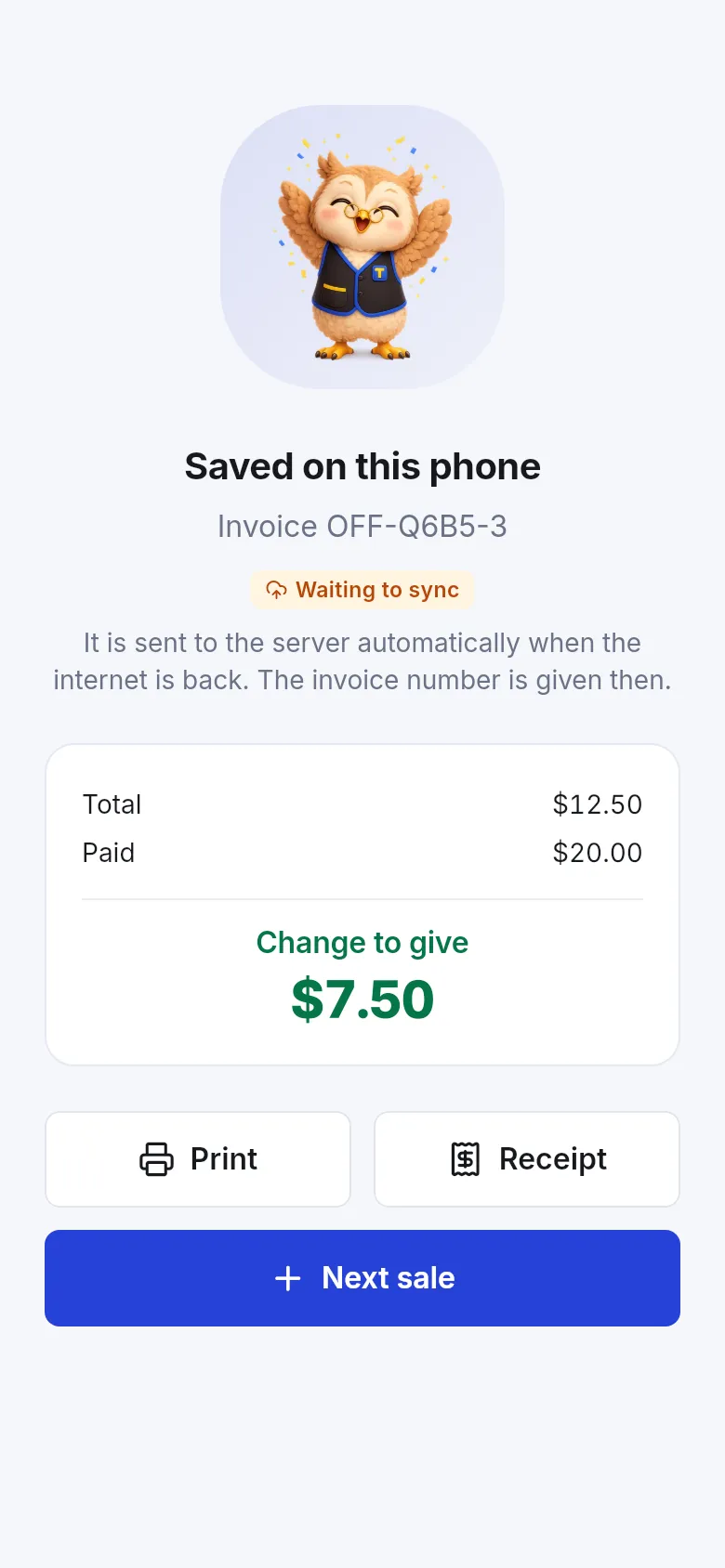
More: Offline sales in the app.
Tips and mistakes to avoid
Section titled “Tips and mistakes to avoid”- Keep the phone charged and on a stand at the window; a power bank saves a busy evening.
- Open the app online before each shift so prices and stock are fresh.
- Don’t sign out while sales are waiting to sync.
Next step
Section titled “Next step”Frequently asked questions
Where do I get the app?
SmartPOS Business is on Google Play. Staff sign in with their own SmartPOS Hub login.
Which truck does a phone sell for?
The location chosen at the top of the New sale screen. Staff with access to one truck only see that truck.
Can the phone sell without internet?
Yes. Open Offline selling once while online and tap Set up this phone. Sales are then saved on the phone and sent automatically when the signal is back.
Can the phone take card payments?
The app records card payments like the web POS. Use your card terminal for the card itself and choose Card as the payment method.
Can I print receipts from the phone?
Yes. Pair a 58 mm or 80 mm Bluetooth receipt printer in the app's Settings › Printers, then tap Print after the sale. You can also share the receipt as a PDF, an image or on WhatsApp.